
POS Sales Reports: 10 Reports Every Business Owner Should Track in 2026
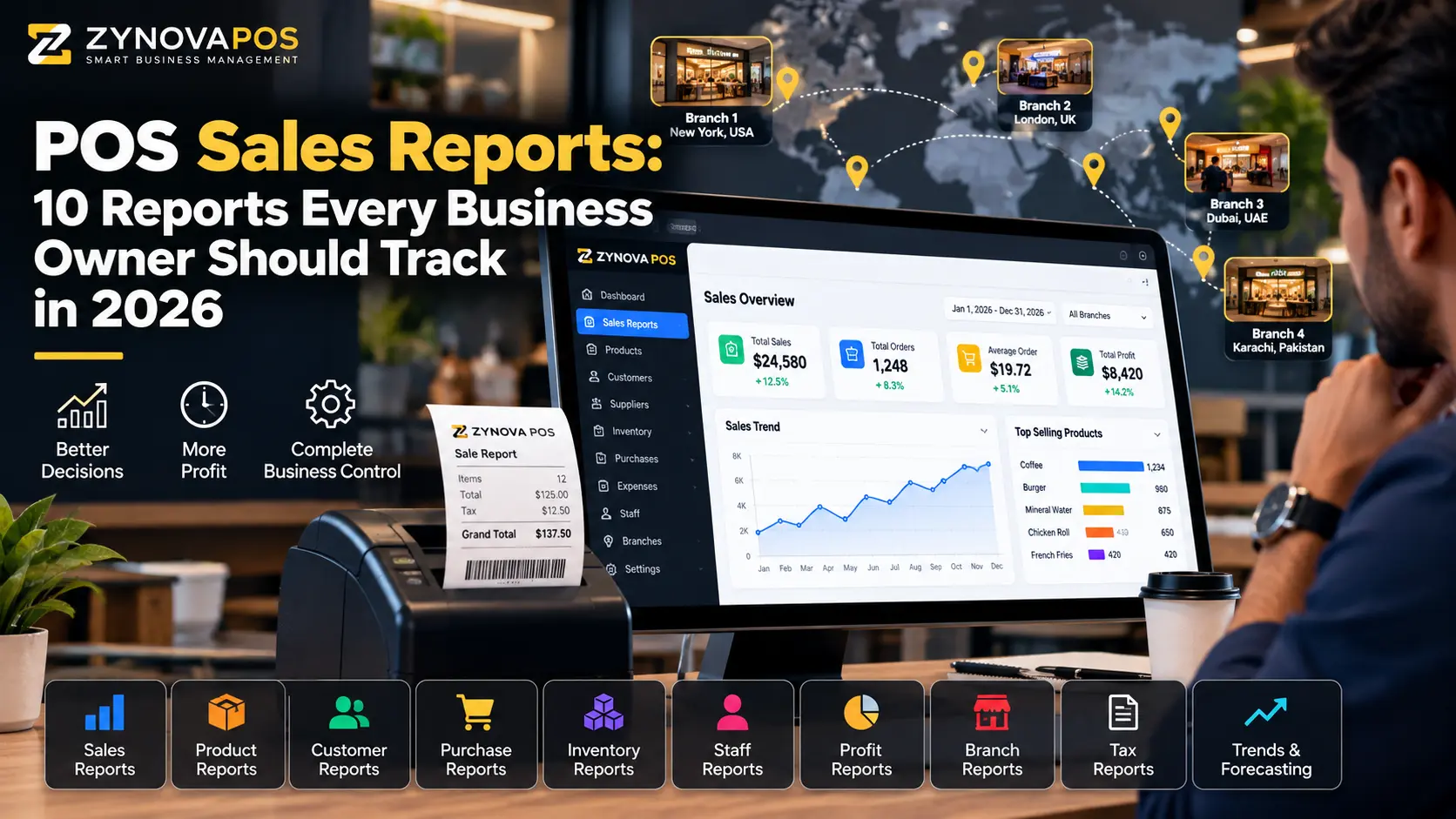
POS sales reports help business owners understand what is happening at the counter without relying on guesswork. A modern POS should do more than total daily sales. It should help explain which products sell, which branches perform best, how much is being returned, what payment methods customers use, and where unusual activity needs attention.
For growing retail stores, restaurants, pharmacies, salons, workshops, and other businesses, the right reports can turn transaction data into practical decisions.
What Are POS Sales Reports?
POS sales reports summarize transaction data collected by a point-of-sale system. Depending on the software, reports can be filtered by date, product, category, cashier, customer, branch, payment method, and other business dimensions.
The goal is not to create more dashboards. The goal is to answer everyday questions quickly and accurately.
10 POS Sales Reports Every Business Owner Should Track
1. Daily Sales Summary
The daily sales summary should show total sales for the day, completed bills, returns, discounts, taxes where applicable, and net sales. This is the first report most owners check because it gives a simple view of how the business performed.
2. Product Sales Report
A product report shows which items are selling and how frequently. It can help identify fast-moving products, slow stock, seasonal demand, and products that may need better placement or pricing review.
When connected with POS inventory management for small business, product sales data becomes even more useful because owners can compare sales with current stock levels.
3. Category Sales Report
Category reports group products into broader business areas. A retail store might compare electronics with accessories, while a restaurant may compare beverages, desserts, and main courses.
These POS sales reports make it easier to understand which parts of the business are contributing most to revenue.
4. Cashier or Staff Sales Report
A cashier report can show sales processed by each staff member, returns, discounts, voids, and other activity. This improves accountability and helps managers review unusual patterns.
These reports should work together with a role-based POS system so users only access the data appropriate to their role.
5. Payment Method Report
A payment report separates cash, card, bank transfer, mobile wallet, credit, or other payment methods used by the business. This is useful during day-end reconciliation and when checking whether recorded payment types match actual collections.
6. Returns and Refunds Report
Returns should be easy to review because frequent refunds can indicate product quality issues, staff mistakes, customer-service problems, or misuse of return permissions.
A useful report should show the original sale, returned item, refund amount, date, reason, and user who processed the return.
7. Discount Report
Discounts can increase sales, but uncontrolled discounting can also reduce margins. A discount report should show which users applied discounts, the amount or percentage, and the transactions affected.
8. Branch Sales Report
Businesses with multiple locations need both individual branch reports and company-wide totals. Owners should be able to compare sales, returns, expenses, and payment activity by location.
Our multi-branch POS system guide explains why branch-level visibility matters as a business expands.
9. Customer Sales Report
Customer reports can show purchase history, repeat buying patterns, average spend, and outstanding balances where credit is supported. This is especially helpful for businesses that serve repeat customers or B2B buyers.
10. Sales Trend Report
Trend reports compare performance across days, weeks, months, or custom periods. They can help owners identify peak days, seasonal shifts, declining categories, or growth patterns.
What Makes POS Sales Reports Useful?
The best POS sales reports are not necessarily the ones with the most charts. They are the ones that help answer specific business questions.
- Can I compare today with yesterday?
- Can I see sales by branch?
- Can I identify which cashier processed a return?
- Can I filter by product or category?
- Can I export reports when needed?
- Can I view reports remotely?
The U.S. Small Business Administration recommends that owners keep close track of finances and use accurate records to support business decisions in its small-business finance guidance.
POS Reports for Multi-Branch Businesses
A single-store business may only need one daily summary. A multi-location business needs more context.
Good reporting should allow an owner to move between one branch, selected branches, and the entire business. This prevents one high-performing branch from hiding problems in another location.
Common Reporting Mistakes
Only Looking at Total Sales
Total sales can rise while returns, discounts, or expenses also increase. Owners should review the full picture.
Ignoring Staff-Level Activity
Cashier-level reports can help identify training needs and unusual transaction patterns.
Using Reports Without Accurate Data
Reports are only as reliable as the transactions behind them. Product, payment, return, and inventory workflows need to be recorded consistently.
A Simple POS Reporting Checklist
- Review daily sales.
- Check returns and discounts.
- Compare payment methods.
- Review top and slow products.
- Check branch performance where applicable.
- Review cashier activity.
- Compare current performance with an earlier period.
- Export or share the report if needed.
Where Zynova POS Fits
Zynova Agency is developing Zynova POS with reporting, inventory, branch, user-role, customer, supplier, and business-management workflows in mind. The product has not completed its public launch yet, so final reporting features and plan availability will be confirmed with the official release.
Final Thoughts
POS sales reports should help owners understand the business faster, not create more manual work. Daily sales, product performance, branches, staff activity, discounts, returns, payment methods, and trends are among the most useful areas to track.
Frequently Asked Questions
What is a POS sales report?
A POS sales report summarizes transaction data such as sales, products, payments, returns, discounts, and staff activity over a selected period.
Which POS report should a business check daily?
Most businesses should start with the daily sales summary, then review returns, discounts, payments, and any unusual staff or product activity.
Can POS sales reports work across multiple branches?
Yes. A multi-branch system can provide branch-specific reports along with combined company totals.