
POS Supplier Management: 8 Features for Purchases, Stock & Vendor Control in 2026
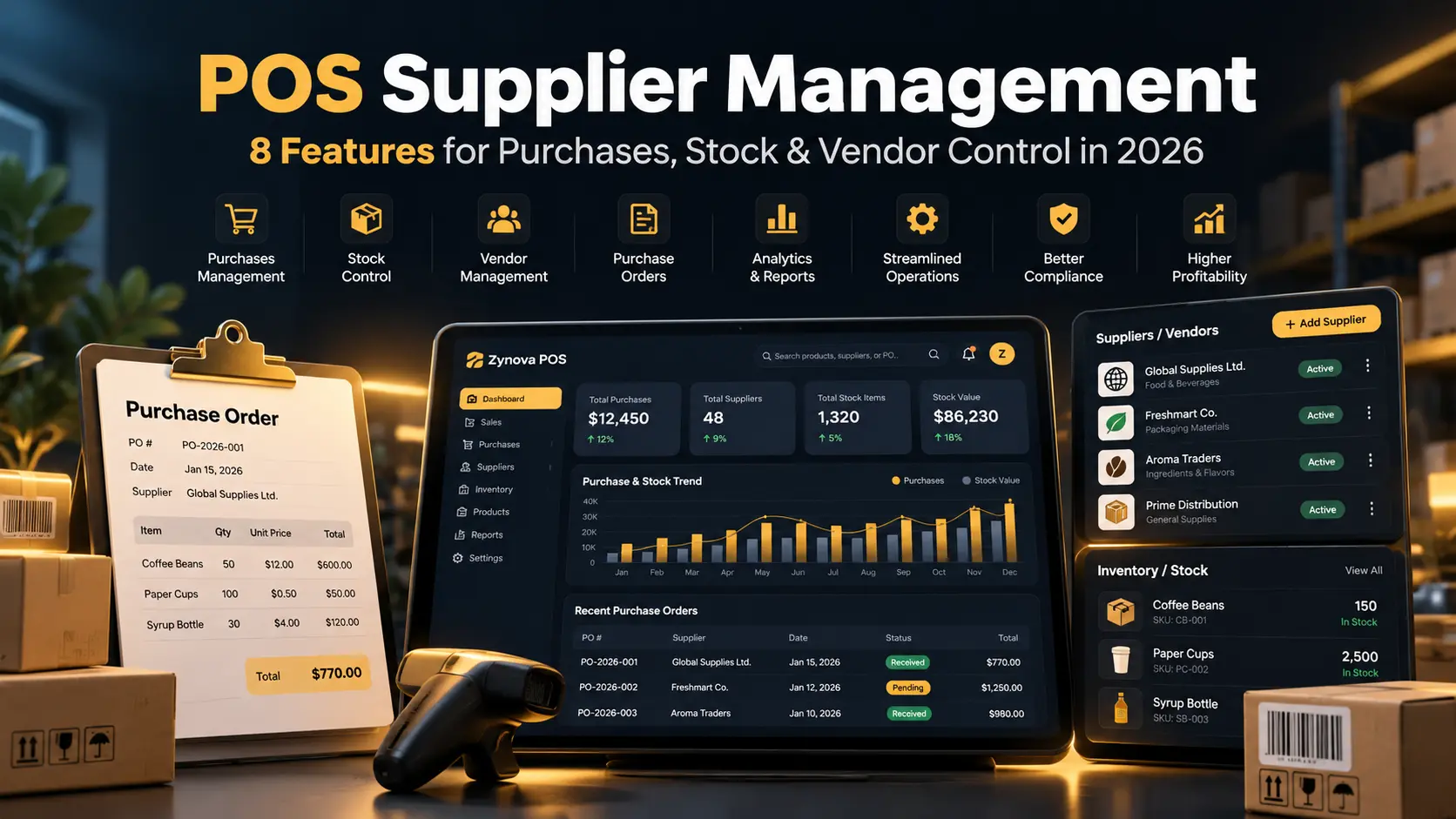
POS supplier management connects purchasing, supplier records, payments, and inventory in one business workflow. For businesses that regularly buy products, parts, ingredients, or supplies, a good supplier module can reduce duplicate data entry and make it easier to understand what was purchased, from whom, and whether any balance is still due.
This becomes increasingly important as product volume, suppliers, branches, and purchase frequency grow.
What Is POS Supplier Management?
POS supplier management is the part of a business system that stores supplier details and connects them with purchases, payments, stock receiving, and supplier balances.
Instead of recording a purchase in one place and updating inventory separately, a connected workflow can increase stock when a supplier purchase is received.
8 Features to Look for in POS Supplier Management
1. Supplier Profiles
Each supplier should have a clear profile containing contact details, business information, purchase history, payment activity, and outstanding balance where applicable.
2. Purchase Recording
A purchase should record the supplier, items, quantities, costs, date, reference number, and payment status. This creates a clear history instead of relying on paper invoices alone.
3. Automatic Inventory Updates
When purchased stock is received, inventory should update automatically. This is one of the biggest advantages of connecting POS supplier management with inventory.
See our guide to POS inventory management for small business for more on purchase receiving and stock movement.
4. Supplier Balances
Businesses often pay suppliers in full, partially, or later. The system should clearly show the amount paid and the balance still outstanding.
This works much like a customer ledger in reverse: customer balances track money owed to the business, while supplier balances can track money the business owes to vendors.
5. Purchase Returns
If damaged or incorrect stock is returned to a supplier, the system should record the return and adjust inventory and supplier balances appropriately.
6. Payment History
A supplier payment record should show the amount, date, payment method, and related purchase or balance. This makes reconciliation easier and gives the owner a clear audit trail.
7. Supplier Performance History
Businesses may want to review purchase frequency, pricing changes, delivery consistency, or how often products are returned. A supplier history can support better purchasing decisions.
8. Branch-Specific Purchasing
Multi-location businesses may buy inventory centrally or separately by branch. Good POS supplier management should make it clear which branch received the stock and where the purchase belongs.
Our multi-branch POS system guide explains why branch identity should remain attached to inventory and transactions.
Why Supplier Management Matters
Supplier management affects more than purchasing. It influences stock availability, cost control, cash flow, and customer service.
If supplier records are incomplete, a business may struggle to answer basic questions: Who supplied this item? What was the last purchase cost? How much do we still owe? Which branch received the stock? Was a purchase return recorded?
Businesses using product barcodes can also review GS1 barcode standards for globally recognized product-identification guidance.
POS Supplier Management vs a Spreadsheet
| Area | Spreadsheet | Connected POS |
|---|---|---|
| Purchases | Entered manually | Linked to supplier and stock |
| Inventory | Updated separately | Can update from purchase receiving |
| Supplier balance | Calculated manually | Can update from purchases and payments |
| Returns | Separate tracking | Linked to supplier history |
| Branch visibility | Manual filters | Branch-aware reporting |
A Simple Supplier Management Workflow
- Create or select the supplier.
- Record the purchase.
- Receive products into inventory.
- Record full or partial payment.
- Track any remaining balance.
- Process purchase returns if needed.
- Review supplier and purchase reports.
Role Permissions for Supplier Data
Not every cashier should be allowed to edit purchase costs, supplier balances, or payment history. A role-based POS system can restrict purchasing and supplier access to approved staff.
Where Zynova POS Fits
Zynova Agency is developing Zynova POS with supplier, purchase, inventory, payment, branch, reporting, and permission workflows in mind. The product is still being prepared for public launch, so final feature availability will be confirmed at release.
Final Thoughts
POS supplier management should connect purchases with inventory and payments so the business can understand stock movement and supplier balances without maintaining several disconnected records.
Frequently Asked Questions
What is POS supplier management?
It is a POS or business-management feature that connects supplier profiles with purchases, payments, balances, returns, and inventory receiving.
Can supplier purchases automatically update stock?
Yes. In a connected system, received purchase quantities can increase inventory automatically.
Can a POS track money owed to suppliers?
Some systems can track supplier balances and payment history. Businesses should test the exact workflow before choosing a system.