
Role-Based POS System: 7 Essential Permission Rules for 2026
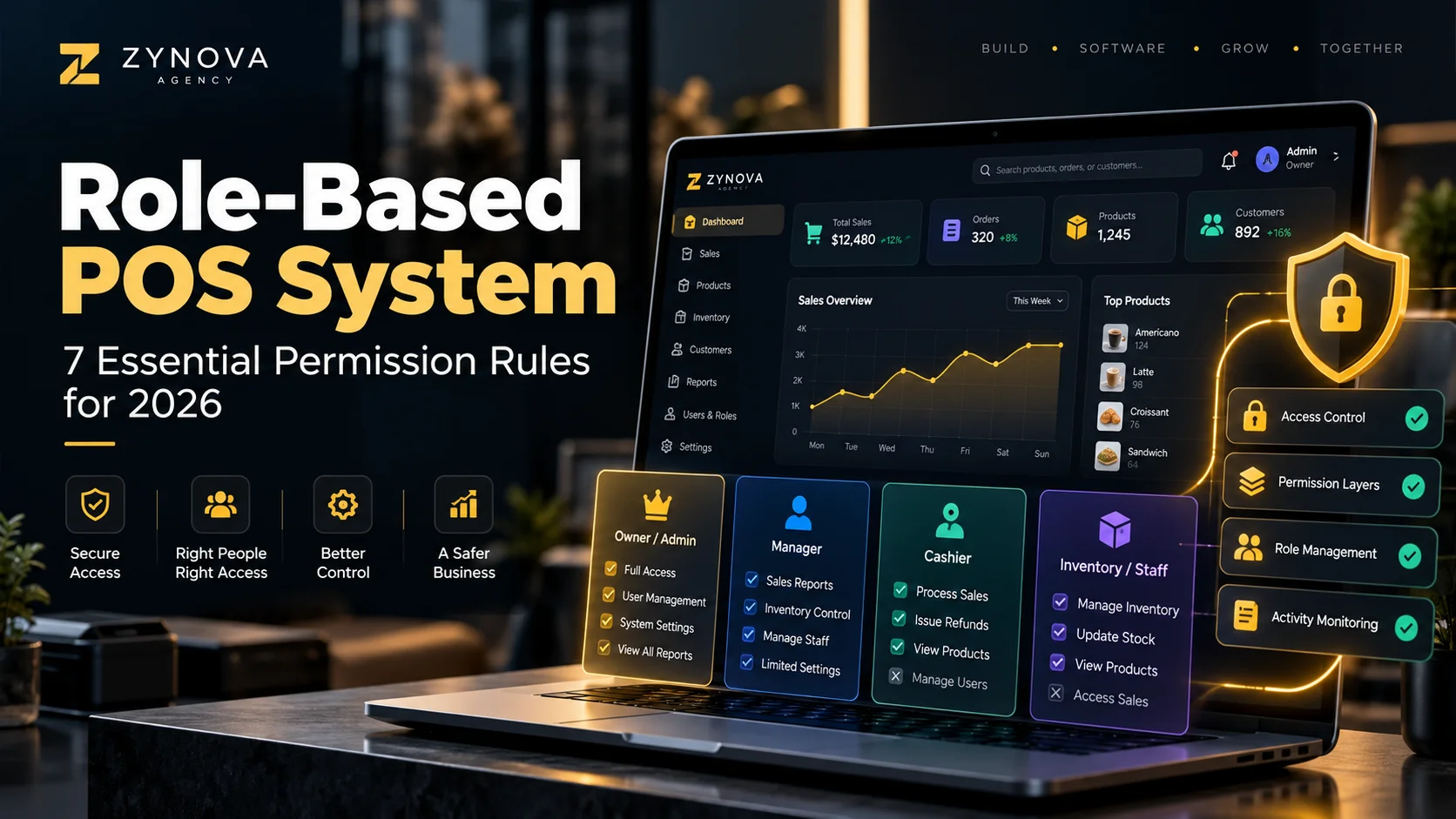
A role-based POS system helps a business control what owners, managers, and cashiers can see or change. Instead of giving every employee the same access, permissions are matched to the work each person actually needs to perform.
This becomes more important as a business grows because sensitive actions such as changing prices, deleting sales, processing returns, adjusting stock, or viewing company-wide reports should not automatically be available to every user.
What Is a Role-Based POS System?
A role-based POS system assigns permissions according to a user’s role. The business decides which functions each role can access.
A simple setup might include:
- Owner or Admin: full business control.
- Manager: operational control with selected restrictions.
- Cashier: checkout access with limited administrative permissions.
The exact permissions should depend on the business rather than the job title alone. A useful security principle is NIST’s principle of least privilege, which recommends giving users only the access needed to perform their assigned tasks.
7 Essential Permission Rules for a Role-Based POS System
1. Cashiers Should Only Access What They Need
A cashier normally needs products, customers, sales, payments, and receipt printing. They may not need access to subscription settings, user creation, full financial reports, or company configuration.
Limiting access can make the interface simpler while also reducing unnecessary risk.
2. Price Changes Should Be Controlled
Changing a product price can directly affect revenue and reporting.
A role-based POS system should let the business decide whether cashiers can change prices, whether a manager must approve the change, or whether only the owner can edit the product’s normal price.
3. Discounts Need Limits
Small discounts may be part of normal customer service, but unlimited discounts should not automatically be available to every cashier.
The system can use permission rules such as:
- cashier may apply up to 5%,
- manager may approve a larger discount,
- owner can change the discount policy.
The exact percentages depend on the business.
4. Returns and Voids Should Leave an Audit Trail
Returns, cancelled sales, and voided transactions can be legitimate, but they are also sensitive actions.
The POS should record who performed the action, when it happened, and which transaction was affected.
5. Stock Adjustments Should Be Restricted
If every user can manually increase or decrease stock, inventory records become harder to trust.
Managers or approved staff may need adjustment access, but each change should include a reason and user record.
This works together with industry-specific POS workflows because different businesses may need different stock controls.
6. Reports Should Be Limited by Role and Branch
A cashier may need a shift total. A branch manager may need reports for one location. The owner may need combined reports across the entire company.
A good role-based POS system should support both role permissions and branch restrictions.
See our guide to multi-branch POS systems in Pakistan for more on location-based control.
7. User Accounts Should Never Be Shared
Every staff member should have an individual login where practical.
If five cashiers use one account, the business cannot easily identify who created a discount, return, stock adjustment, or unusual transaction.
Individual users make activity logs much more useful.
Owner vs Manager vs Cashier: Simple Permission Example
| Action | Owner | Manager | Cashier |
|---|---|---|---|
| Create sales | Yes | Yes | Yes |
| View all reports | Yes | Selected | Limited |
| Change product prices | Yes | Optional | Usually no |
| Process returns | Yes | Yes | Optional |
| Adjust stock | Yes | Selected | Usually no |
| Create users | Yes | Optional | No |
| Change business settings | Yes | Limited | No |
This is only an example. The correct setup depends on how the business operates.
Why Role Permissions Matter More in Multi-Branch Businesses
When a business has several branches, permission rules should answer two questions:
- What can this user do?
- Where can this user do it?
A manager may be allowed to view sales reports but only for the branch they manage. An owner may have access to every location.
This prevents a branch-level user from receiving company-wide access simply because they need one management feature.
Role-Based Permissions and Offline POS
Offline operation should not remove user restrictions.
If a cashier cannot change prices while online, the same restriction should remain in effect when the branch is temporarily offline.
Our offline POS system Pakistan guide explains why permissions, local transactions, and later synchronization need to work together.
A Simple Permission Checklist
Before deploying a POS, decide who can:
- create and edit products,
- change prices,
- apply discounts,
- process returns,
- delete or void transactions,
- adjust inventory,
- record expenses,
- view reports,
- manage customers and balances,
- create users, and
- change business settings.
Then test each role with a real user account before staff begin using the system.
Where Zynova POS Fits
Zynova Agency is developing Zynova POS with owner/admin, manager, and cashier workflows in mind, along with branch-aware access and business management features. The platform is still under development, so final production permissions and plan limits will be confirmed at launch.
Final Thoughts
A role-based POS system is not only a security feature. It also helps simplify daily work by showing users the functions they actually need.
Clear owner, manager, and cashier permissions can improve accountability, reduce accidental changes, and make reports and audit history more useful as the business grows.
Frequently Asked Questions
What are common POS user roles?
Common roles include owner or administrator, manager, and cashier, although businesses can define additional roles where needed.
Should cashiers be allowed to change prices?
That depends on the business. Many businesses restrict price changes or require manager approval because pricing directly affects revenue.
Can POS permissions be different for each branch?
Yes. A system can combine role permissions with location restrictions so users only access the branches they are responsible for.