
POS Software for Small Business in Pakistan: 12 Checks for 2026
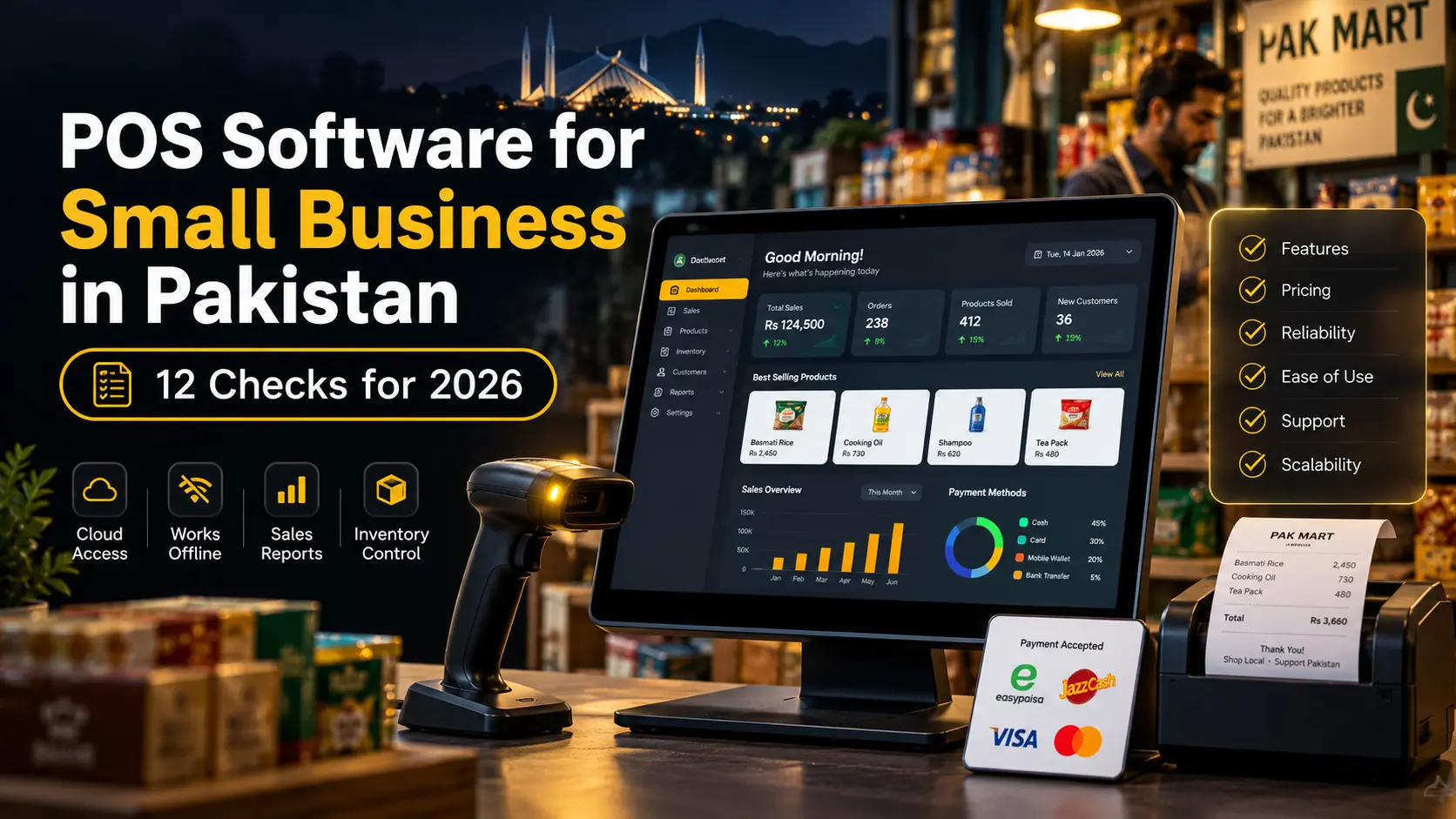
Choosing POS software is not only about printing receipts. For a small business in Pakistan, the system may need to handle sales, stock, customers, suppliers, expenses, staff access, branch reporting, backups, and internet interruptions while still remaining simple enough for everyday counter use.
That is why selecting POS software for small business in Pakistan should start with the business workflow, not with the longest feature list.
This 2026 buyer’s guide covers 12 checks that matter before you commit to a POS system, including offline mode, inventory, permissions, reporting, branch support, local payments, compliance considerations, and long-term growth.
What Small Businesses in Pakistan Actually Need From POS Software
A large chain and a single-counter shop do not need the same setup.
For many small businesses, the right POS should make daily operations easier in five areas:
- Checkout: fast billing and reliable receipt printing.
- Inventory: know what is available, sold, returned, or running low.
- Control: restrict staff actions and keep an audit trail.
- Visibility: see sales, expenses, profit signals, and balances without manual calculations.
- Continuity: keep business data safe and remain usable when connectivity is unreliable.
Good POS software for small business in Pakistan should solve these everyday problems before adding advanced features that staff rarely use.
12 Checks Before You Buy POS Software for Small Business in Pakistan
1. Can Your Staff Learn It Quickly?
A powerful POS is useless if cashiers avoid it or keep separate notebooks because the interface is confusing.
Before buying, ask a normal staff member to complete these tasks:
- create a sale,
- find a product,
- change quantity,
- apply an allowed discount,
- select a customer,
- take payment, and
- print the receipt.
If basic checkout needs a long training session, daily adoption will be harder.
2. Does It Work When the Internet Goes Down?
Internet reliability can affect any business. A checkout counter should have a clear plan for outages.
Some systems are cloud-only. Others support local offline operations and synchronize later.
If uninterrupted billing matters to your business, test the software with the internet physically disconnected. Our detailed offline POS system Pakistan guide explains how local billing, sync queues, receipts, and conflict handling should work.
3. Is Inventory Built Into the Sales Workflow?
Inventory should update as sales happen. If staff must sell in one system and adjust stock somewhere else, records will eventually drift apart.
Useful inventory functions can include:
- stock in and stock out,
- purchase receiving,
- low-stock alerts,
- returns,
- category and product reporting,
- stock adjustments with reasons,
- units and variants, and
- branch-level quantities where needed.
The strongest POS software for small business in Pakistan keeps stock changes connected to the transaction that caused them.
4. Can It Handle Customers and Pending Balances?
Many businesses need more than anonymous cash sales.
Retailers, wholesalers, workshops, pharmacies, and service businesses may need customer profiles, purchase history, credit sales, pending balances, partial payments, or a digital ledger.
If your business sells on credit, test the full workflow:
- create the customer,
- make a credit sale,
- view the balance,
- record a later payment, and
- print or export a statement.
Do not assume a “customer module” automatically supports this.
5. Are Purchases and Suppliers Included?
Sales reduce stock, but purchases are what put stock into the business.
A useful POS for inventory-heavy businesses should normally let you:
- create suppliers,
- record purchase invoices,
- add purchased quantities to stock,
- track supplier balances,
- record payments, and
- review purchase history.
Without purchase tracking, stock may be correct at the counter but financial and supplier records remain fragmented.
6. Can You Control Owner, Manager, and Cashier Permissions?
Not every user should see or change everything.
A cashier may need sales access but not user management. A manager may need reports and returns but not subscription settings. The owner may need complete visibility.
Role-based access can help control:
- discounts,
- returns,
- price changes,
- stock adjustments,
- expense editing,
- reports,
- user creation, and
- business settings.
This is especially important when the owner is not always at the shop.
7. Does Reporting Answer Real Business Questions?
“Total sales” is useful, but it is only the beginning.
Before choosing POS software for small business in Pakistan, check whether reports can answer questions such as:
- What did we sell today?
- Which products sell fastest?
- What stock is running low?
- How much was returned?
- Which customers owe money?
- What were today’s expenses?
- Which cashier processed this transaction?
- How are different branches performing?
Good POS software for small business in Pakistan should reduce manual reporting work, not force the owner to export everything to Excel for basic answers.
8. Can It Grow From One Branch to Several?
A business may start with one location and open another later.
If growth is realistic, ask whether the system supports:
- separate stock per branch,
- branch-specific users,
- inter-branch transfers,
- combined owner reporting,
- branch expenses, and
- central product management.
Our multi-branch POS system Pakistan guide covers the architecture and operational controls that matter when a business expands.
9. Are Backups and Restore Procedures Clear?
Ask a simple question: If the main computer fails today, how do I get my business data back?
The provider should have a clear answer.
Look for:
- automatic cloud backup where applicable,
- manual backup options,
- restore procedures,
- data export, and
- protection against accidental deletion.
Synchronization is not the same as backup. If incorrect data syncs everywhere, a separate recovery point can still be necessary.
10. Does It Fit Your Industry?
A restaurant, hotel, clinic, pharmacy, workshop, salon, and grocery store do not operate the same way.
A restaurant may need tables and kitchen tickets. A hotel needs rooms and guests. A workshop needs job cards. A pharmacy may care about batches and expiry dates.
That is why industry-specific POS software can be more useful than forcing every business into one generic sales workflow.
When evaluating a demo, ask the vendor to show your industry’s workflow rather than a generic retail checkout.
11. Does the System Support the Payment Methods You Use?
Pakistani businesses may receive payments through different channels depending on the business type and customer base.
Your POS should record payment methods cleanly so daily closing and reports make sense.
Depending on your operations, that might include:
- cash,
- bank transfer,
- card terminal payments,
- mobile wallet or QR-based payment references, and
- customer credit or partial payment.
The POS does not necessarily need to process every payment itself. It should at least record the method accurately where that matters to your reporting.
12. Have You Checked the Relevant FBR and Tax Requirements?
Tax and invoicing obligations should be checked against current official information, not old blog posts or generic sales claims.
The Federal Board of Revenue publishes POS legal provisions and digital invoicing guidance. FBR also maintains information about integrated retailers and licensed integration processes.
Requirements can depend on registration status and business category. If your business falls under an applicable integration or electronic invoicing requirement, verify the current process with FBR material or a qualified tax professional before purchasing software.
Do not assume every system advertised as “FBR ready” automatically meets the exact requirement that applies to you.
A Simple POS Buying Scorecard
Use this table to compare shortlisted systems objectively.
| Area | Suggested Weight | What to Test |
|---|---|---|
| Ease of use | 15% | Can staff complete a sale quickly? |
| Offline continuity | 15% | Can billing continue without internet? |
| Inventory | 15% | Do sales, purchases, returns, and adjustments update stock correctly? |
| Reports | 10% | Can the owner answer daily business questions? |
| Permissions | 10% | Can roles restrict sensitive actions? |
| Customers and balances | 10% | Does credit or ledger handling match the business? |
| Branch growth | 10% | Can multiple locations be managed properly? |
| Backup and recovery | 5% | How is data restored after failure? |
| Industry fit | 5% | Does the workflow match the business type? |
| Support and compliance fit | 5% | Is local support available and are applicable requirements understood? |
The exact weights can change. A restaurant may give more weight to kitchen workflows, while a wholesaler may prioritize customer balances and supplier purchasing.
Cloud POS vs Desktop POS for Pakistani Small Businesses
There is no universal winner.
Cloud POS Advantages
- remote owner access,
- central updates,
- multi-device access,
- easier branch visibility, and
- cloud backup options.
Desktop POS Advantages
- local operation,
- less dependence on live connectivity,
- simple single-device deployment in some cases, and
- direct local hardware access.
Many modern systems combine both ideas: local offline-capable checkout with cloud synchronization and remote reporting.
Our cloud POS system for small business guide covers the broader cloud architecture and features in more detail.
How Much Should POS Software Cost?
The price of POS software for small business in Pakistan should be judged against the workflow, reliability, and controls your business actually needs.
Common pricing models include:
- one-time licence,
- monthly subscription,
- annual subscription,
- per-user pricing,
- per-device pricing,
- per-branch pricing, and
- extra charges for selected modules or integrations.
Do not compare only the headline price.
Calculate the real cost based on:
- number of users,
- number of branches,
- number of devices,
- hardware,
- setup or migration,
- support,
- backup, and
- any required integrations.
Questions to Ask During a POS Demo
Use these questions instead of asking only, “What features do you have?”
- Show me a complete sale from start to receipt.
- Show me what happens when the internet goes down.
- Show me a return.
- Show me a stock adjustment and its audit history.
- Show me a credit customer and later payment.
- Show me a purchase from a supplier.
- Show me what a cashier cannot access.
- Show me today’s profit-related and expense reports.
- Show me how a second branch would work.
- Show me how data is backed up and restored.
A live workflow demonstration is more useful than a presentation full of feature names.
Common Mistakes When Buying POS Software in Pakistan
Choosing Only by Price
Cheap software becomes expensive if it creates stock errors, downtime, or manual work.
Buying Too Many Features
A small team may need a clean workflow more than dozens of unused modules.
Ignoring Offline Behavior
Test it instead of relying on a sales claim.
Not Checking Data Ownership and Export
You should understand how to retrieve your own business records if you change systems later.
Ignoring Future Branches
If expansion is likely, confirm the platform can handle it before data becomes difficult to migrate.
Where Zynova POS Fits Into the Market
Zynova Agency is developing Zynova POS around a multi-business model rather than a single generic checkout screen. The direction includes industry-aware workflows, cloud access, inventory, customer and supplier management, role-based users, reports, branch support, and offline capability on eligible plans.
Zynova POS has not launched yet, so final plan limits, pricing, integrations, and production features will be confirmed with the official release. Pre-launch content should be treated as a view of the product direction, not as a final specification.
Final Thoughts
The best POS software for small business in Pakistan is the system that fits the way your business already works while giving you better control over sales, inventory, people, and data.
Start with checkout reliability. Then evaluate inventory, offline continuity, permissions, customers, suppliers, reporting, backups, branch growth, industry fit, and applicable compliance needs.
The right POS software for small business in Pakistan should remove manual work today without becoming a barrier when the business grows tomorrow.
Frequently Asked Questions
What is the best POS software for small business in Pakistan?
The best choice depends on the business type, budget, number of users, branch plans, inventory needs, offline requirements, and applicable tax or invoicing obligations. Test real workflows before deciding.
Should a small business use cloud POS?
Cloud POS can be useful for remote access, centralized reporting, and branch management. Businesses worried about connectivity should look for systems that also support suitable offline operations.
Can POS software manage customer credit?
Some systems can track customer balances, credit sales, partial payments, and statements. Confirm the exact workflow if customer credit is important to your business.
Can one POS handle multiple branches?
Yes, if it supports branch-specific stock, users, transfers, reports, and permissions rather than simply sharing one database without location controls.
Does every business in Pakistan need FBR-integrated POS?
Requirements depend on the business, registration status, and current rules. Check current FBR guidance or obtain professional tax advice for your specific case.