
AI Workflow Automation for Small Business: 9 Tasks to Automate in 2026
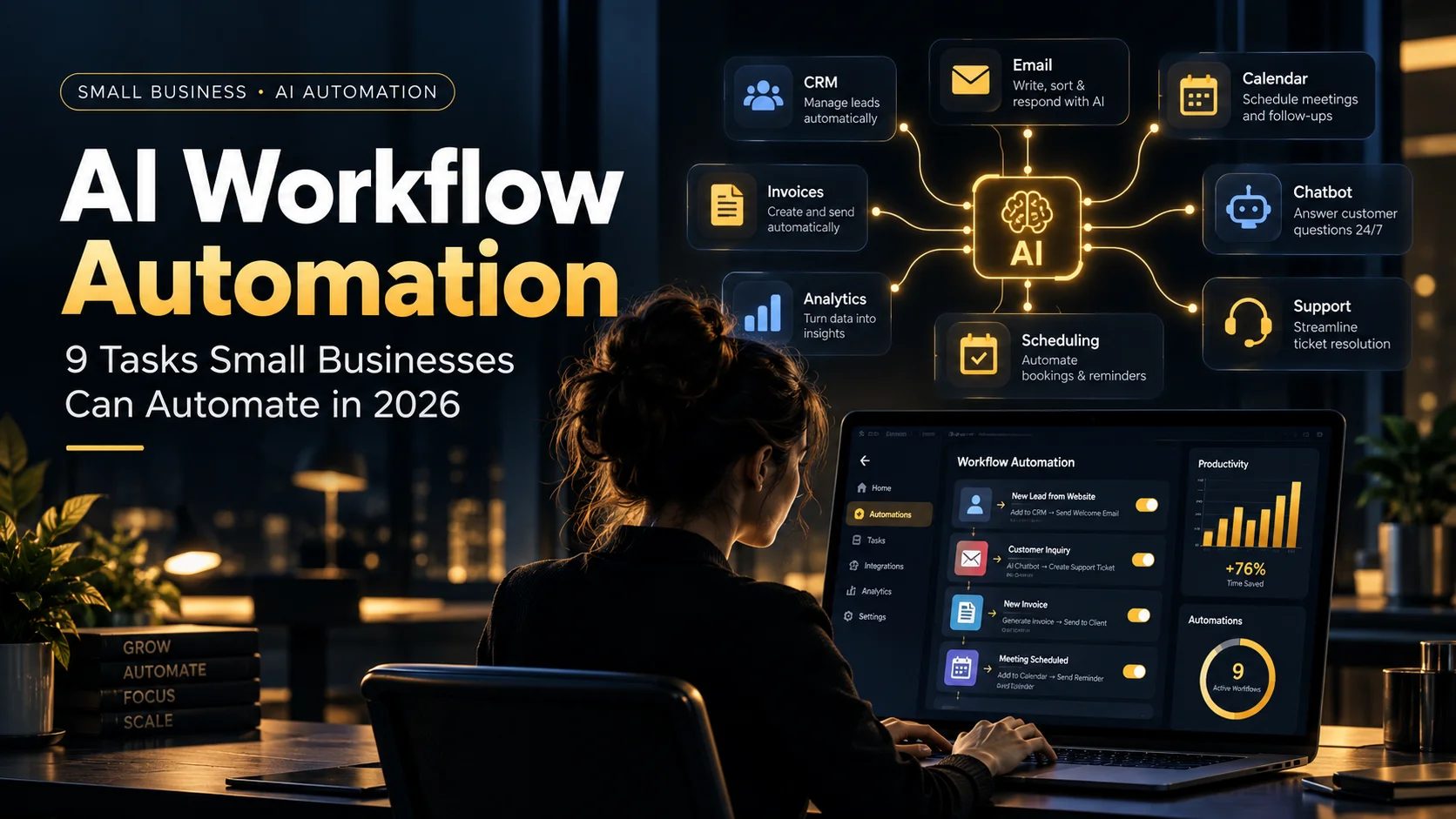
Small businesses rarely have a shortage of work. The real problem is that too much of that work is repetitive: copying leads into a CRM, sending the same follow-up emails, confirming appointments, sorting support requests, preparing reports, and moving information between tools.
AI Workflow Automation for Small Business solves that problem by connecting the systems you already use and adding AI only where reading, classifying, summarizing, drafting, or simple decision-making is useful.
The goal is not to replace your team. It is to remove repetitive handoffs so people can spend more time on customers, decisions, sales, and service quality.
Quick Answer
AI Workflow Automation for Small Business means using connected apps, automation rules, and AI to handle repeatable business processes such as lead routing, follow-ups, appointment booking, support triage, CRM updates, invoice handling, reporting, social scheduling, and document processing. Start with one high-volume, low-risk workflow, keep human approval for important decisions, measure the result, and only then expand.
What Is AI Workflow Automation for Small Business?
Traditional automation follows fixed rules: when something happens, the system performs a predefined action.
For example:
New website form → Create CRM contact → Send confirmation email.
AI workflow automation adds a layer of interpretation. The system can read the form, understand what the customer is asking for, classify the lead, summarize the request, draft a personalized reply, and route the opportunity to the right person.
A useful workflow therefore combines:
- A trigger, such as a form submission, email, booking, invoice, or CRM update
- Business rules that define what should happen
- AI for tasks that need reading, writing, classification, or summarization
- Connected tools such as email, CRM, calendar, accounting, spreadsheets, or messaging
- A human approval step when the risk is high
- A record or log so the business can see what happened
That last point matters. Automation should make a process more reliable, not turn it into a black box.
Why Small Businesses Are Automating More in 2026
The shift from simple AI chat to connected AI workflows is already happening.
Upwork’s 2026 research into small and medium-sized businesses found that 34% of surveyed SMB leaders were actively piloting AI agents for workflow automation. It also reported active pilots in customer service, scheduling and administrative support, and data analytics. You can review the Upwork State of AI Within SMBs in 2026.
The same research found that 74% of surveyed SMB leaders said AI had improved organizational productivity, although the gains were still incremental for many companies. That is a useful reality check: automation can create value, but good results depend on choosing the right process and implementing it well.
Microsoft’s 2026 Work Trend Index also emphasizes documented agent workflows, human handoffs, and quality standards. That is exactly the right mindset for AI Workflow Automation for Small Business: automate repeatable work, but keep accountability clear. See the 2026 Work Trend Index.
Before vs After: What Good Automation Changes
| Before Automation | After Automation |
|---|---|
| Leads sit in an inbox until someone notices them | Leads are captured, classified, logged, and assigned automatically |
| Staff manually send routine reminders | Reminders are triggered from real customer status |
| Support messages are read one by one | Requests are categorized and urgent cases are prioritized |
| Data is copied between multiple systems | Connected tools update from one source of truth |
| Reports are assembled manually every week | Metrics are collected and summarized on schedule |
The best automation does not simply make one task faster. It removes unnecessary waiting, copying, and repeated decision-making across the whole process.
AI Workflow Automation for Small Business: 9 Tasks to Automate in 2026
1. Lead Capture and Qualification
Lead handling is one of the strongest places to start because slow response times can directly affect revenue.
A workflow can:
- Capture leads from a website form, email, chat, or ad
- Extract important details
- Classify the request by service, budget, urgency, or location
- Create or update the CRM record
- Assign the lead to the right person
- Draft an initial response
- Notify the team when a high-value lead arrives
Keep a human involved before important quotes, commitments, or complex sales messages are sent.
2. Email Follow-Ups and Lead Nurturing
Many leads are not lost because the offer is bad. They are lost because nobody follows up consistently.
AI Workflow Automation for Small Business can make follow-up more reliable by triggering messages based on actual customer activity rather than relying on staff memory.
For example:
Proposal sent → No reply for two days → Draft follow-up → Human approves → Send → Update CRM.
AI can help personalize the draft using the original inquiry and previous conversation, while automation controls the timing.
3. Appointment Booking and Reminders
Scheduling is repetitive and easy to automate.
A connected workflow can:
- Offer available time slots
- Create calendar events
- Send confirmations
- Send reminders before the appointment
- Collect information before the meeting
- Reschedule when needed
- Update the CRM after the booking
This is useful for agencies, consultants, clinics, salons, repair businesses, property services, and other appointment-based companies.
4. Customer Support Triage
AI does not need to answer every customer request to be useful.
A safer first workflow is support triage.
The system can read an incoming message and determine whether it is:
- A billing question
- A technical problem
- A refund request
- A sales inquiry
- An urgent complaint
- A common FAQ
Simple questions can receive an approved response, while sensitive or unusual cases are routed to a person.
Upwork’s 2026 SMB research found customer service among the business functions with the highest level of active AI-agent pilots, which makes sense because support contains many repetitive but time-sensitive tasks.
5. CRM Data Entry and Updates
A CRM only works when the information inside it is accurate.
Manual CRM updates are easy to postpone, which creates missing notes, duplicate contacts, incorrect stages, and unreliable reports.
An AI workflow can summarize emails or meetings, update contact records, add notes, assign tags, change pipeline stages, and create follow-up tasks.
This is a practical example of AI Workflow Automation for Small Business improving data quality rather than simply generating content.
If you are evaluating CRM platforms before building automations, see Zynova Agency’s guide to the Best CRM Software for 2026.
6. Invoice and Document Processing
Invoices, purchase records, forms, receipts, PDFs, and other documents often require the same repetitive steps.
A workflow can:
- Detect a new document
- Extract fields such as supplier, invoice number, date, and total
- Validate required information
- Store the document in the correct folder
- Add the data to accounting software or a spreadsheet
- Route exceptions for approval
Financial actions should use stronger controls than low-risk marketing tasks. AI can extract and prepare information, but payments, refunds, tax decisions, and unusual transactions should normally require human approval.
7. Daily and Weekly Business Reporting
Small teams often have useful data spread across CRM systems, spreadsheets, ad platforms, ecommerce tools, and support software.
Instead of manually gathering the same numbers every week, an automation can collect them and generate a concise summary.
A daily report might include:
- New leads
- Sales closed
- Pending follow-ups
- Support backlog
- Appointments
- Revenue or order totals
- Important exceptions that need attention
AI is particularly useful for turning raw numbers into a short explanation of what changed and what deserves attention.
8. Social Media and Content Scheduling
Content creation should not be completely automated if brand quality matters, but the production workflow can be.
For example:
Approved blog post → Generate social drafts → Create platform variations → Human review → Schedule approved posts.
The workflow can also create a content calendar, track whether an article has already been promoted, and remind the team when older evergreen content is ready to be reused.
This approach protects quality while removing repetitive publishing work.
9. Internal Document and Knowledge Handling
Teams waste time searching for information they already have.
An internal workflow can organize new documents, summarize long files, extract important information, tag records, and route information to the right team member.
For businesses with recurring procedures, policies, quotes, product information, or client documents, this can become a useful internal knowledge layer.
If you want to go beyond simple workflows into agents that can carry out multi-step business tasks, read Zynova Agency’s guide to AI Agents for Business.
Which Tasks Should You Not Fully Automate?
Not every process should run without a person.
A responsible AI Workflow Automation for Small Business plan should keep human control where the cost of a mistake is high.
Be cautious with:
- Large payments or refunds
- Legal commitments
- Hiring and termination decisions
- Sensitive medical or financial decisions
- High-value sales negotiations
- Serious customer complaints
- Security incidents
- Any action involving uncertain or incomplete data
The right design is often automate preparation, keep human approval for the decision.
A Simple AI Automation Stack for Small Businesses
You do not need dozens of tools.
A practical stack usually has five layers:
| Layer | Purpose |
|---|---|
| Source | Website forms, email, WhatsApp, CRM, ecommerce, files |
| Automation engine | Connects triggers, rules, apps, and actions |
| AI model | Reads, summarizes, classifies, drafts, or reasons where needed |
| Business system | CRM, accounting, calendar, database, help desk, or spreadsheet |
| Human control | Approvals, exception handling, quality review, and ownership |
Popular workflow tools can include platforms such as Zapier, Make, n8n, Microsoft Power Automate, and native automations inside your existing business software. The right choice depends on complexity, budget, integrations, data requirements, and who will maintain the workflow.
Google Cloud’s 2026 AI-agent trends describe the broader shift from isolated tasks toward connected “digital assembly lines” that execute end-to-end workflows. For a small business, the practical lesson is simpler: connect one complete process instead of adding AI to random individual tasks. See the Google Cloud AI Agent Trends 2026 report.
How to Choose the First Workflow to Automate
Do not start with the most impressive idea. Start with the process that is easiest to measure.
Score each candidate workflow from 1 to 5 on these questions:
- Frequency: How often does the task happen?
- Time: How many staff hours does it consume?
- Consistency: Does it usually follow the same steps?
- Risk: What happens if the automation makes a mistake?
- Value: Does improving it affect revenue, response time, or customer experience?
The best first project is usually high-frequency, repetitive, measurable, and relatively low-risk.
That is why lead routing, reminders, CRM updates, support triage, and recurring reports are often better starting points than fully autonomous sales or financial decisions.
How to Measure ROI From AI Workflow Automation
AI Workflow Automation for Small Business should be judged by business outcomes, not by how advanced the technology looks.
Measure the workflow before and after implementation.
Useful metrics include:
- Hours of manual work saved
- Lead response time
- Number of missed follow-ups
- Appointment no-show rate
- Support first-response time
- Data-entry errors
- Processing time per document
- Sales conversion rate
- Cost per completed workflow
A simple ROI calculation is:
(Monthly time saved × hourly staff cost) + additional profit created − automation cost
Do not count every AI-generated action as a success. Count the result that matters to the business.
7-Step Implementation Checklist
- Map the current process. Write down the trigger, every step, every tool, and where delays happen.
- Choose one measurable outcome. For example, reduce lead response time from two hours to five minutes.
- Define the source of truth. Decide which CRM, database, or system owns the final record.
- Automate deterministic steps first. Use normal rules where AI is not needed.
- Add AI only where judgment is useful. Classification, summarization, extraction, and drafting are common examples.
- Create approval and exception paths. Decide what happens when data is missing, confidence is low, or the action is sensitive.
- Review results before scaling. Measure performance for a few weeks, fix weak points, then automate the next workflow.
This staged approach makes AI Workflow Automation for Small Business easier to maintain and much safer than launching several complicated automations at once.
Common AI Automation Mistakes
Many failed automation projects are process problems rather than AI problems.
- Automating a broken process: If the manual workflow is confusing, automation will make the confusion happen faster.
- Using AI for everything: Fixed rules are cheaper and more predictable when judgment is not required.
- No workflow owner: Someone must be responsible for maintaining and reviewing the automation.
- No exception path: Every workflow needs a safe way to handle unusual cases.
- Ignoring permissions and privacy: Do not give an automation access to more data or actions than it needs.
- Measuring activity instead of value: Ten thousand automated steps mean nothing if customers are not served faster or staff time is not saved.
- Scaling too quickly: Stabilize one workflow before connecting five more systems to it.
When Should You Build a Custom Automation?
Off-the-shelf automation is often enough when the workflow is simple and your apps already integrate well.
Custom automation becomes more useful when:
- Your business uses several systems that do not connect cleanly
- You need complex conditional logic
- You need private or self-hosted workflow infrastructure
- You have industry-specific approval rules
- You need an internal dashboard or custom database
- You need an AI agent to work across several business systems
- You need reliable logging, retries, and exception management
Zynova Agency’s AI Automation Services are designed around these kinds of connected business workflows. For workflows that require a purpose-built application rather than automation between existing tools, see our Custom Software Development services.
AI Workflow Automation for Small Business: Final Action Plan
If you are starting today, do not begin by buying more AI subscriptions.
Choose one process your team repeats every day or every week. Measure how much time it consumes. Map every step. Identify which steps are fixed rules and which require judgment. Automate the predictable parts, use AI only where it adds value, and keep a person responsible for important decisions.
A good first workflow should be boring.
That is a positive sign. Repetitive, high-volume work is exactly where automation is easiest to measure and least likely to damage customer trust.
Once that first workflow is reliable, build the next one. Over time, those small automations can become a connected operating system for the business.
Frequently Asked Questions
What is AI workflow automation for small business?
AI Workflow Automation for Small Business is the use of connected software, automation rules, and AI to complete repeatable business processes with less manual work. AI is typically used for tasks such as reading, classifying, summarizing, extracting information, or drafting responses.
What should a small business automate first?
Start with a high-frequency, repetitive, low-risk task that has a measurable outcome. Lead capture, follow-ups, appointment reminders, CRM updates, support triage, and recurring reports are common starting points.
Does AI automation replace employees?
It does not have to. The most practical small-business implementations automate repetitive steps while employees remain responsible for judgment, relationships, exceptions, and important decisions.
What tools are used for AI workflow automation?
Common workflow platforms include Zapier, Make, n8n, Microsoft Power Automate, and automation features built into CRM, support, accounting, and productivity tools. AI models can be connected where a workflow needs language understanding or generation.
Is AI workflow automation expensive?
Simple automations can be inexpensive, while custom multi-system workflows cost more to design and maintain. The better question is whether the workflow saves more time, reduces more errors, or generates more value than it costs.
Is AI workflow automation safe?
It can be, when access is limited, sensitive actions require approval, data handling is controlled, logs are maintained, and exception paths are defined. Higher-risk workflows need stronger safeguards.
How long does it take to automate a workflow?
A simple workflow can often be built quickly, while multi-system workflows may require more planning, testing, and integration work. Complexity depends on the number of systems, decision rules, data quality, and security requirements.
How do I know if an automation is working?
Track the business result before and after deployment. Measure time saved, response speed, error rate, conversions, missed follow-ups, processing time, or another metric tied directly to the workflow.