
Google Search Console Not Indexed: 9 Checks for Business Websites (2026)
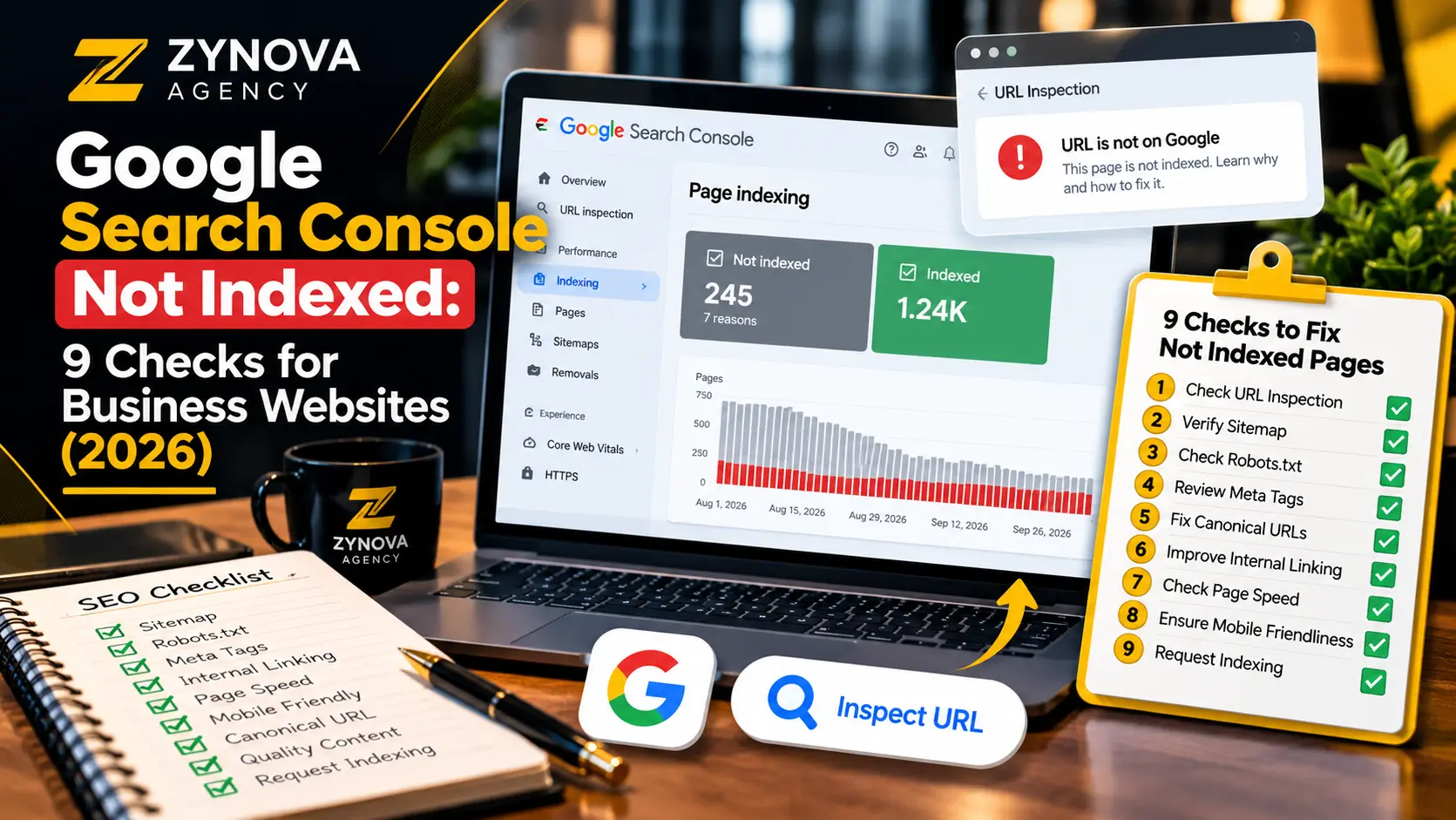
Search Console shows “Discovered – currently not indexed” for your blog page. Another article appears under “Crawled – currently not indexed,” while RSS feeds and redirect URLs fill the exclusion report. Should you change your SEO plugin settings, rewrite every article, or submit the sitemap again?
Not necessarily. These labels describe different situations, and many excluded URLs are intentionally excluded. This guide explains Google Search Console not indexed reports through nine practical checks for business websites in 2026, with a focus on separating genuine blockers from normal search-engine behavior.
First, understand the indexing categories
| Status | What it usually means | First action |
|---|---|---|
| Discovered – currently not indexed | Google knows the URL but has not crawled it yet | Check crawl access, discovery links, and site availability |
| Crawled – currently not indexed | Google crawled the URL but has not added it to its index | Check content, duplication, canonical signals, and usefulness |
| Excluded by noindex | A noindex directive tells Google not to index the page | Confirm whether exclusion is intentional |
| Page with redirect | The URL redirects to another destination | Verify the destination and use its final URL internally |
| Blocked by robots.txt | Crawling is disallowed by a robots rule | Keep admin areas blocked; unblock only pages that should be crawled |
| Not found (404) | The server reports that the requested URL does not exist | Restore valuable missing pages or leave genuinely removed URLs as 404/410 |
Google’s technical indexing requirements emphasize crawl access, a successful HTTP response, and indexable content. Meeting those minimum conditions makes a URL eligible for indexing, but does not guarantee inclusion.
Google Search Console not indexed: 9 checks before requesting indexing
1. Confirm the exact URL and property
For Google Search Console not indexed reports, inspect the complete URL, including protocol, subdomain, path, and trailing slash. Make sure you are checking the correct property and not confusing a redirected variation with the preferred destination. If the report was last updated several days ago, run a live inspection to see whether current behavior differs from the historical status.
2. Verify the live HTTP response
When investigating Google Search Console not indexed pages, confirm that a meaningful page returns a successful response with actual content. A 404, 5xx error, maintenance splash page, login screen, or empty shell can block or delay indexing. Investigate intermittent outages as well as the response returned when you visit the page yourself.
Do not assume that a page loads for a logged-in administrator exactly as it loads for Googlebot. The public version is what matters for search visibility.
3. Check robots.txt and page-level index directives
For Google Search Console not indexed pages, inspect /robots.txt for restrictions affecting the URL or required resources. Separately check the HTML meta robots tag or the X-Robots-Tag response header for noindex. These controls do different jobs: robots.txt controls crawling, while noindex tells a crawler not to include a page in search results when it can access that directive.
Do not unblock /wp-admin/ merely because Search Console lists admin URLs as blocked. Keeping administrative routes out of crawling is generally appropriate.
4. Validate canonical and redirect signals
For Google Search Console not indexed cases, a canonical tag should identify the preferred version of the content. For a normal article, a self-referencing canonical is commonly appropriate. Check whether Google chose a different canonical, especially when HTTP/HTTPS, trailing slashes, duplicate query strings, and category variants create multiple URLs.
A URL that redirects is usually not intended to be indexed independently; the destination is the one to evaluate. Google’s canonicalization guidance explains the signals involved.
5. Confirm XML sitemap inclusion and freshness
When reviewing Google Search Console not indexed URLs, open the site’s sitemap index and locate the preferred URL in its appropriate child sitemap. An article should not be listed with a redirecting, deleted, or noindex version. Use a meaningful lastmod when content genuinely changes; do not falsify update dates just to prompt crawling.
Submitting a sitemap helps discovery, but repeated submissions of the same unchanged file do not force faster indexing. Monitor the Sitemaps report for processing errors instead.
6. Add useful internal links from relevant pages
For Google Search Console not indexed investigations, remember that search engines discover pages partly through standard crawlable links. If an important guide is linked only from a hidden widget or one deeply buried page, add a relevant editorial link from a related article or a logical category hub. Use natural anchor text that describes the destination.
For example, a guide on technical SEO can link to ways to improve website SEO, while a performance article can reference website speed optimization. Do not add dozens of repetitive links merely to inflate a count.
7. Review content usefulness and duplication
When Google Search Console not indexed reports show a crawled URL, examine whether that page answers a specific user question more clearly than pages already available. Does it contain actionable steps, original examples, credible sources, or a useful explanation? Check whether several pages on your site target essentially the same topic with nearly identical content.
A technical fix cannot guarantee indexing for a low-value or duplicative page. Consolidate overlapping pages only when there is a strong editorial reason; do not delete or redirect unique content simply because a report shows an exclusion.
8. Check rendering, mobile content, and navigation
To troubleshoot Google Search Console not indexed issues, use the URL Inspection tool’s live test and rendered page view where available. Confirm that important headings, body text, images, and links are visible without administrator access or a special interaction. A design that relies excessively on client-side rendering can become difficult to crawl if the main content is absent or inaccessible.
Keep mobile navigation usable, avoid hiding essential article links, and resolve severe failures that prevent the main content from loading. Accessibility improvements can also make content structure clearer; see the website accessibility checklist.
9. Request indexing once and monitor appropriately
After correcting a real Google Search Console not indexed issue, inspect the preferred URL, choose the live test, and request indexing if available. Then monitor the Page Indexing and Performance reports. A submission is a request, not a promise of indexing or ranking. Google’s Search Console documentation explains the difference between sitewide reports and URL-specific inspection.
Which excluded URLs should a business actually prioritize?
Prioritize important service pages, blog guides, category hubs, and relevant articles that should attract customers. By contrast, admin screens, internal search results, RSS feeds, old demo URLs, and redirected URL variants typically do not need individual search listings.
If a former URL has a genuine one-to-one replacement, use the appropriate permanent redirect. If a page was intentionally removed and has no meaningful equivalent, a normal 404 or 410 can be correct. Avoid pointing all missing pages to the homepage; this confuses users and search engines.
Case example: a blog index and a comparison article
Suppose a business blog page is “Discovered – currently not indexed,” while a project-management comparison is “Crawled – currently not indexed.” First confirm the two canonical pages are public, return successful responses, and appear in the XML sitemap. Check index directives and relevant internal links.
If the blog index has thin or duplicated listings, improve navigation and editorial structure where warranted. If the comparison article has been crawled, look closely at its substance: selection criteria, tested features versus vendor claims, clear pricing caveats, and comparisons that genuinely help a reader make a decision. Keep the two investigations separate because their statuses indicate different stages of processing.
Tracking fixes without guessing
| Check | Record for each URL |
|---|---|
| Search Console | Reported category, date, Google-selected canonical |
| Live HTTP and robots | Response status, crawl access, index directives |
| Sitemap and links | Sitemap URL, meaningful internal linking sources |
| Content review | Purpose, overlap, improvement made |
| Follow-up | Live test result, request date, later inspection result |
Track Google Search Console not indexed investigations in one sheet or project board. Otherwise teams often repeat the same checks because they cannot distinguish an old report from a new crawl result.
Frequently asked questions
Does “Crawled – currently not indexed” mean a Google penalty?
No. The status alone does not establish a manual action or penalty. Review Search Console’s separate Manual Actions and Security Issues reports for those concerns.
Should I click Validate Fix on every exclusion?
No. Validate only where a real issue has been corrected and the report provides that workflow. Expected redirects, admin restrictions, and intentional noindex pages are not automatically defects.
Will resubmitting the sitemap every day speed up indexing?
There is no reliable reason to expect that. Submit a valid sitemap, keep it accurate, and improve crawlability and useful content rather than repeatedly resubmitting unchanged URLs.
Can Rank Math or Yoast force Google to index a page?
No. SEO plugins can manage metadata, canonical URLs, robots directives, and sitemaps; Google independently chooses which eligible pages to index.
How soon will Google index a corrected page?
Timing varies, and there is no guaranteed date. Review the live inspection result and follow progress instead of treating a fixed deadline as a promise.
Bottom line
Use the Google Search Console not indexed reports to decide which pages merit investigation, not as a command to make every URL indexable. Protect intentional exclusions, improve genuinely valuable pages, and maintain clear technical signals. For a broader strategy, explore Zynova Agency’s SEO and digital growth services.