
Best AI Automation Tools: 10 Powerful Picks for 2026
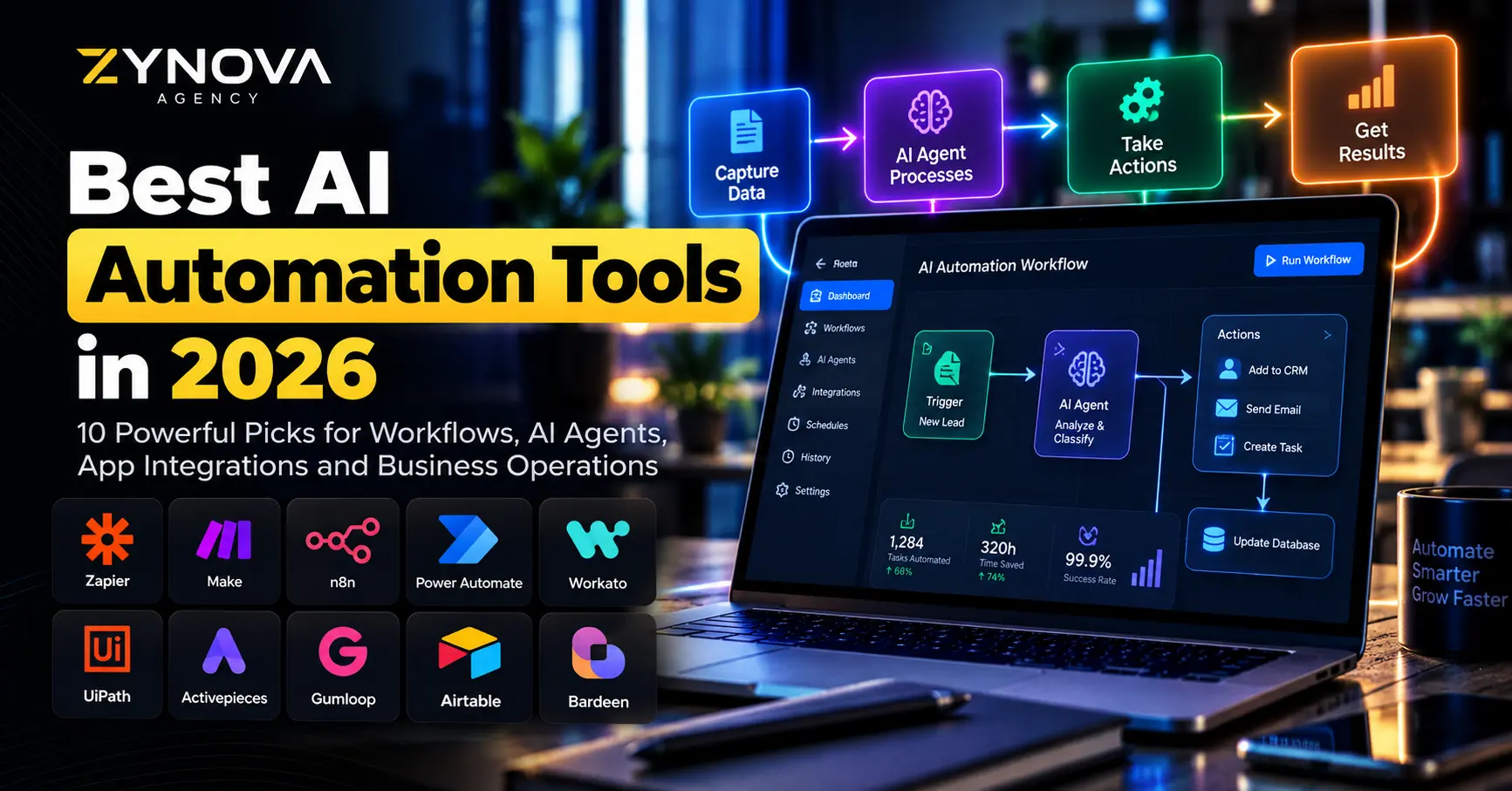
The best AI automation tools in 2026 can do much more than move information from one application to another.
Modern platforms can understand unstructured emails, classify leads, summarize documents, extract invoice data, decide which workflow path to take, interact with business applications and coordinate AI agents with traditional automation.
The shift is important.
Traditional automation works extremely well when the rules are predictable. AI becomes useful when a workflow also requires interpretation, judgment or handling messy information.
Zapier describes AI workflow automation as placing AI inside repeatable processes rather than relying on employees to manually prompt a chatbot for every task. Make similarly distinguishes traditional automation from agentic automation, where an AI agent can interpret a goal and decide which tools or actions are needed.
That does not mean every workflow should become autonomous.
The strongest systems often combine fixed rules, AI reasoning and human approval.
This guide compares 10 of the best AI automation tools for business workflows in 2026 and explains which type of company each platform suits best.
Best AI Automation Tools at a Glance
| Tool | Best For | Main Strength |
|---|---|---|
| Zapier | Most businesses | Huge integration ecosystem and easy automation |
| Make | Visual workflow automation | Powerful branching and transparent AI agents |
| n8n | Technical teams | Flexible workflows, code and self-hosting |
| Microsoft Power Automate | Microsoft businesses | Cloud flows, desktop RPA and Microsoft integration |
| Workato | Enterprise integration | Governance, orchestration and enterprise automation |
| UiPath | Enterprise RPA | Robots, agents and complex process orchestration |
| Activepieces | Open automation | AI agents with enterprise controls |
| Gumloop | AI-native workflows | Easy AI automation and agent building |
| Airtable | Data-driven workflows | AI agents working directly with structured business data |
| Bardeen | Browser productivity | Repetitive browser and research automation |
How We Chose the Best AI Automation Tools
The best AI automation tools should solve real operational problems rather than simply provide impressive AI demonstrations.
A useful platform should make it possible to connect business applications, create repeatable workflows, handle errors, control permissions and understand what happened when an automation fails.
For AI-powered workflows, additional questions matter.
Can AI make decisions inside the workflow?
Can a person approve high-risk actions?
Can the system work with unstructured documents or messages?
Can the business see what an agent did?
Can the workflow scale without becoming too expensive?
Can technical teams customize it when no prebuilt integration exists?
These considerations are more important than simply counting how many AI features appear on a product page.
1. Zapier — Best AI Automation Tool for Most Businesses
Zapier remains one of the easiest platforms for businesses that want to automate work across many different applications.
Its core model is simple:
Something happens in one application, and Zapier automatically performs one or more actions elsewhere.
For example, a new website lead could trigger a workflow that enriches the contact, categorizes the inquiry with AI, creates a CRM record, sends a Slack notification and prepares a follow-up email.
Zapier now positions itself as infrastructure for AI-powered automation rather than only a basic trigger-and-action tool.
The platform currently supports 9,000+ apps, along with AI actions, workflows and agents.
Its newer agentic capabilities allow AI to make decisions while still taking actions through connected business applications.
Zapier is one of the best AI automation tools for companies that want to start quickly without building their own integration infrastructure.
Its largest advantage is breadth.
Marketing, sales, finance, operations, HR and support teams can often connect the software they already use without waiting for developers to create custom integrations.
Best for: small businesses, agencies, marketing teams, sales workflows, lead automation and general business operations.
2. Make — Best for Visual AI Workflow Automation
Make is especially strong when a workflow becomes more complicated than a simple trigger followed by a few actions.
Its visual scenario builder makes it easier to see how information moves between applications.
Users can add branches, filters, transformations, routers and multiple paths inside one workflow.
In 2026, Make significantly expanded its AI-agent capabilities.
Make AI Agents are built directly inside the same visual canvas used for standard automations. The platform lets users see the agent’s decisions, tool calls and workflow behavior through its reasoning interface. Make says its agents can orchestrate processes across more than 3,000 apps.
This transparency is valuable.
AI automation can become difficult to troubleshoot when a system makes decisions without showing why.
Make attempts to keep deterministic automation and AI reasoning visible inside the same workflow.
That makes Make one of the best AI automation tools for operations teams that want flexibility without immediately moving into full custom development.
Best for: visual workflows, complex branching, operations automation and AI-agent orchestration.
3. n8n — Best for Technical Teams and Self-Hosted Automation
n8n offers considerably more technical flexibility than many beginner-focused automation platforms.
It combines a visual workflow editor with code, APIs, webhooks and self-hosting options.
That makes it attractive to developers and technical teams that want more control over infrastructure and workflow behavior.
n8n now supports production-oriented AI agents that can work with hundreds of integrations, custom code and human-in-the-loop controls.
In September 2026, n8n also introduced a newer Agents experience where users can define an agent, select a model and choose which tools and workflows the agent is permitted to use. Those agents can then be called from workflows, schedules or communication channels.
Self-hosting is another important differentiator.
Companies with specific privacy, infrastructure or data-control requirements may prefer running automation within their own environment rather than depending completely on a hosted SaaS service.
n8n is therefore one of the best AI automation tools for technical teams that want to build sophisticated workflows without giving up code-level control.
Best for: developers, technical operations, APIs, self-hosting and advanced AI workflows.
4. Microsoft Power Automate — Best for Microsoft 365 Businesses
Power Automate is a natural choice for organizations already using Microsoft products.
The platform supports cloud workflows, desktop automation, robotic process automation, process mining and integration with the broader Microsoft Power Platform.
Microsoft’s 2026 Power Automate roadmap places significant emphasis on AI-assisted automation, Copilot and agents. It includes AI-assisted cloud flows and smarter desktop automation designed to adapt when interfaces change.
The biggest advantage is ecosystem integration.
A company already using Outlook, Teams, SharePoint, OneDrive, Excel, Dynamics and Power BI can automate processes without introducing an entirely separate technology stack.
Power Automate can also automate desktop applications and older systems through RPA.
That gives it capabilities beyond ordinary cloud-app automation.
It is one of the best AI automation tools for established organizations where Microsoft software already forms the core of daily operations.
Best for: Microsoft 365, enterprise workflows, approvals, desktop RPA and Power Platform users.
5. Workato — Best for Enterprise Integration and Governance
Workato targets larger organizations where automation is closely connected to enterprise integration.
Its workflows can connect applications, APIs and business systems while providing governance and operational controls.
Workato has increasingly expanded from traditional integration into AI-agent orchestration.
Its 2026 platform direction includes AI agents, enterprise AI governance and Workato GO, which combines enterprise search with the ability to take actions across connected systems.
This type of platform becomes useful when automation affects critical systems such as finance, HR, CRM and enterprise databases.
At that scale, the question is not only whether a workflow can be built.
The business also needs to know who created it, which systems it can access, how credentials are managed and what happens when something fails.
Workato is therefore one of the best AI automation tools for enterprises that need integration and governance alongside AI.
Best for: enterprises, integration teams, governed automation and cross-department workflows.
6. UiPath — Best for Enterprise RPA and Agentic Automation
UiPath became widely known for robotic process automation.
RPA is particularly useful when businesses need software robots to interact with interfaces that do not offer convenient APIs.
That could include desktop software, legacy systems, virtual environments and repetitive administrative processes.
UiPath has now expanded that foundation into agentic automation.
Its platform combines AI agents, software robots and people inside coordinated business processes.
This combination is important.
An AI agent may be useful for interpreting an email or document.
A deterministic robot may then be better suited to entering approved information into an old enterprise application.
A human may still need to approve a high-risk financial transaction.
UiPath can orchestrate those different types of work together.
That makes it one of the best AI automation tools for large organizations with complex processes and legacy software.
Best for: enterprise RPA, legacy applications, document processing and large-scale process orchestration.
7. Activepieces — Best for Flexible Open AI Automation
Activepieces combines workflows, AI agents, tables and application integrations in one automation workspace.
Its current platform includes more than 760 application connections and focuses heavily on providing AI capabilities while maintaining enterprise controls.
AI agents can also be placed directly inside Activepieces flows, where they can analyze information, make decisions and trigger actions in connected systems.
This makes Activepieces interesting for organizations that want an alternative to larger proprietary automation ecosystems.
Example use cases include invoice intake, support triage and lead routing.
Its open approach can also appeal to technical teams that want more deployment flexibility.
Activepieces deserves consideration among the best AI automation tools for companies that want visual automation with strong AI-agent support.
Best for: AI agents, open automation, internal workflows and technically capable teams.
8. Gumloop — Best for AI-Native Workflow Building
Gumloop is designed around the idea that users should be able to automate tasks without needing to become traditional automation engineers.
The platform focuses heavily on AI-powered workflows and agents.
Gumloop describes itself as an AI automation and agent platform designed to let employees automate repetitive tasks and build agents around their existing work.
Its learning resources demonstrate workflows for tasks such as lead enrichment, sales-call preparation, brand monitoring, content production and AI assistants.
Gumloop can be particularly useful where the workflow contains lots of documents, research, web information or unstructured text.
That makes it different from traditional automation systems that mainly pass structured fields from one application to another.
It is one of the best AI automation tools for teams looking for an AI-first approach without immediately building custom agents from code.
Best for: research workflows, lead enrichment, document processing and AI-heavy business operations.
9. Airtable — Best for Automating Work Around Business Data
Airtable approaches automation from a data-first direction.
Instead of building an automation outside the system where business information lives, Airtable allows teams to create databases, applications, automations and AI agents around the same structured data.
Its current AI platform includes Omni and Field Agents, which can research information, analyze documents, generate content and perform work directly across Airtable records.
This makes Airtable useful for workflows such as:
campaign management, product operations, lead enrichment, content pipelines, project tracking and research.
A team could maintain a table of prospects and have AI automatically research every company, summarize the information and populate selected fields.
The automation operates directly around the underlying business data.
Airtable is therefore one of the best AI automation tools when the company’s workflow already revolves around structured records and collaborative databases.
Best for: operations databases, marketing workflows, research and structured team processes.
10. Bardeen — Best for Browser-Based Productivity Automation
A large amount of business work still happens manually inside browsers.
Employees repeatedly copy information from websites, move data into spreadsheets, research companies and transfer information between online systems.
Bardeen focuses on automating this type of repetitive browser work.
Its automation approach combines browser actions with AI so that users can create workflows for research, data collection and repetitive online tasks.
Bardeen can be particularly useful for sales and research workflows where employees spend significant time navigating websites.
For example, a workflow might collect prospect information, summarize a company’s website and send the structured information to another system.
That makes Bardeen one of the best AI automation tools for browser-heavy productivity rather than large enterprise process orchestration.
Best for: browser automation, prospect research, repetitive web work and productivity.
AI Automation vs Traditional Automation
Traditional automation is still extremely valuable.
If a workflow follows predictable rules, there may be no reason to involve an AI model.
For example:
When a payment succeeds, send a receipt.
When inventory reaches a threshold, send an alert.
When a form is submitted, create a CRM record.
These are deterministic processes.
AI becomes more useful when the system needs to interpret information.
For example:
Read an incoming email and determine its intent.
Analyze a support ticket and decide its priority.
Extract information from an inconsistent document.
Research a prospect and decide whether it matches an ideal customer profile.
Determine which response should be sent based on context.
Make recommends using normal automation when a task simply needs to be executed and AI agents when the task requires reasoning or judgment.
That distinction can also reduce cost.
Zapier reported that workflows reserving AI for reasoning steps were substantially cheaper to run than workflows that sent every step through a model.
The best AI automation tools should therefore let businesses combine deterministic logic and AI rather than forcing AI into every step.
What Can Businesses Automate With AI?
AI automation can be useful across almost every department when the process is chosen carefully.
A business could automatically qualify inbound leads, categorize support tickets, process invoices, summarize meetings, prepare reports, monitor competitors, extract document data, update CRM records or draft customer follow-ups.
But start with repetitive processes.
A useful automation candidate usually happens frequently, consumes employee time and follows a process that can be described clearly.
If your company is still deciding where AI agents fit, read Zynova’s guide to AI agents for business.
For broader platform comparisons, see the best AI tools for business in 2026.
Human Approval Still Matters
AI automation should not automatically mean full autonomy.
Some actions are low risk.
Classifying an internal email may not require approval.
Other actions can affect money, customers or important records.
Examples include issuing refunds, deleting data, changing financial records, publishing public content or approving large purchases.
Those workflows should have clear boundaries.
Human-in-the-loop controls allow AI to perform the repetitive analysis while a person retains authority over higher-risk actions.
n8n, Make, UiPath and other modern automation platforms increasingly emphasize guardrails, approvals and visibility for exactly this reason.
The strongest automation is not necessarily the most autonomous.
It is the system that produces reliable results with an appropriate level of oversight.
How to Choose Between the Best AI Automation Tools
Start with your existing technology.
If your business uses many mainstream cloud applications and wants the easiest setup, Zapier is a strong starting point.
Choose Make when you want visual control over complex multi-step workflows.
Choose n8n if your technical team wants code, APIs and self-hosting.
Choose Power Automate when Microsoft 365 and Windows applications dominate the organization.
Workato makes more sense for enterprise integration and governance.
UiPath is particularly strong when RPA, legacy systems and complicated enterprise processes are involved.
Activepieces provides an alternative for teams wanting flexible AI-agent automation.
Gumloop is attractive for AI-heavy knowledge workflows.
Airtable makes sense when structured business data sits at the center of the process.
Bardeen can be useful when employees spend large amounts of time doing repetitive work inside a browser.
The best AI automation tools are therefore not interchangeable.
Choose according to the systems you already use and the process you actually need to improve.
Do You Need an Automation Platform or Custom Development?
Automation tools can solve a huge number of business problems.
But they still have limits.
A custom solution becomes more appropriate when the workflow requires unique business logic, a specialized interface, high transaction volumes, custom databases, unusual integrations or functionality that must become part of a larger software product.
For example, connecting a contact form to a CRM may be ideal for Zapier or Make.
Building an industry-specific operations system with inventory, billing, permissions, reporting and AI-assisted workflows may require custom software.
Zynova provides AI automation services for connected workflows and custom software development when the business requires a more specialized system.
The technology should follow the problem.
Do not force every workflow into custom code.
But do not force a complex operational system into a simple automation tool either.
Start Small Before Automating Everything
Businesses often make automation unnecessarily complicated.
They try to automate an entire department immediately.
A better approach is to start with one process.
Choose something repetitive.
Measure how long it currently takes.
Build the workflow.
Test edge cases.
Add human approval where needed.
Measure the result.
Only then expand.
This makes failures easier to understand and helps the company learn which processes actually benefit from AI.
The best AI automation tools make it easy to experiment, but production automation still requires careful process design.
The Best AI Automation Tools Are Becoming Agentic
The biggest automation trend in 2026 is the movement from fixed workflows toward agentic systems.
Traditional workflows follow a predefined path.
AI-assisted workflows add intelligence to selected steps.
Agentic workflows can interpret a goal, select tools and adapt their actions depending on context.
Zapier, Make, n8n, Microsoft, Workato, UiPath and other major automation providers are all investing heavily in this direction.
But fixed automation is not disappearing.
Predictable steps remain useful because they are easier to test and control.
The future is likely to combine both approaches:
AI handles ambiguity.
Automation handles predictable execution.
Humans handle judgment where accountability matters.
That combination is much more practical than attempting to make every workflow fully autonomous.
Which AI Automation Tool Should You Choose?
There is no universal winner among the best AI automation tools.
Choose Zapier for easy app-to-app automation.
Choose Make for powerful visual workflows.
Choose n8n for technical flexibility and self-hosting.
Choose Microsoft Power Automate for Microsoft-heavy organizations.
Choose Workato for enterprise integration and governance.
Choose UiPath for RPA and complex enterprise processes.
Choose Activepieces for flexible AI-agent automation.
Choose Gumloop for AI-native knowledge workflows.
Choose Airtable for automation around structured business data.
Choose Bardeen for browser-based repetitive work.
The right platform should reduce manual work without creating another system that becomes difficult to maintain.
If your business has a workflow you want to automate but you are unsure which platform fits it, contact Zynova Agency and start with the process itself rather than the tool.
Frequently Asked Questions
What are the best AI automation tools in 2026?
Some of the best AI automation tools include Zapier, Make, n8n, Microsoft Power Automate, Workato, UiPath, Activepieces, Gumloop, Airtable and Bardeen. The best platform depends on the type and complexity of the workflow.
What is the easiest AI automation tool?
Zapier is one of the easiest starting points for many businesses because it provides a large integration library and a relatively simple workflow-building experience.
What is the best AI automation tool for developers?
n8n is a strong choice for technical teams because it combines visual workflows with code, APIs, webhooks and self-hosting.
What is the best AI automation tool for Microsoft users?
Microsoft Power Automate is particularly suitable for organizations using Microsoft 365, Teams, SharePoint, OneDrive, Dynamics and Windows desktop applications.
What is the difference between automation and an AI agent?
Traditional automation follows predefined logic. An AI agent can interpret a goal, reason about the available information and decide which tools or actions to use. Many modern platforms combine both approaches.
Can AI automation replace employees?
AI automation is generally most effective at reducing repetitive work and helping employees process information faster. Human judgment remains important for strategy, relationships, exceptions and high-risk decisions.
Is AI automation safe for business data?
It can be, but security depends on the platform and configuration. Businesses should review permissions, data handling, access controls, model providers, logging and approval requirements before putting sensitive processes into automation.