
AI Customer Support Automation for Small Business: 9 Ways to Save Time in 2026
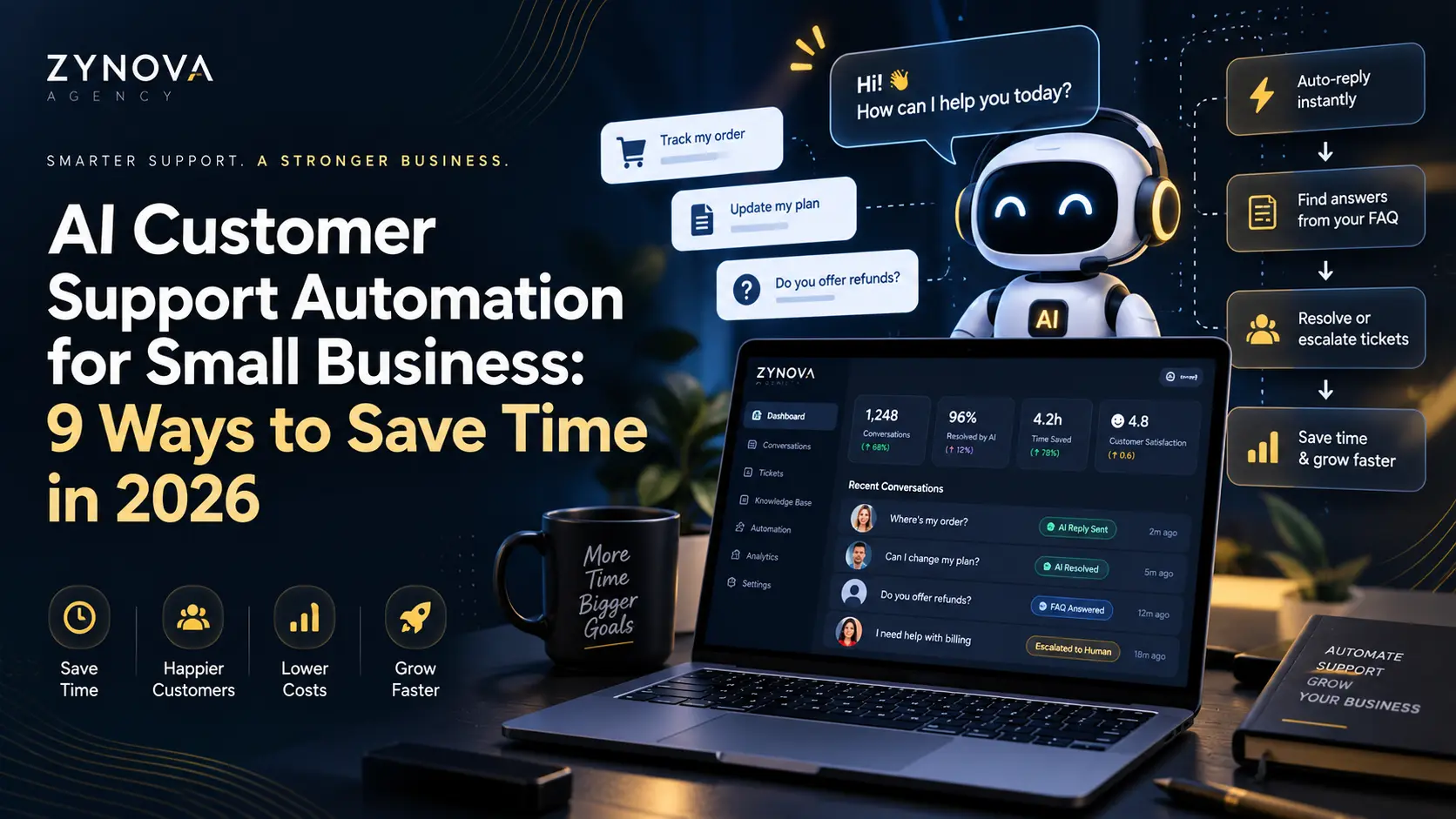
AI customer support automation can help small businesses respond faster, handle repetitive questions, route requests, and reduce the amount of manual work required for everyday customer service. The goal is not to remove people from support. The goal is to automate the predictable parts so staff can focus on conversations that need judgment, empathy, or problem-solving.
What Is AI Customer Support Automation?
AI customer support automation uses tools such as chatbots, AI assistants, workflow automation, knowledge bases, and ticket-routing systems to handle parts of the support process automatically.
Examples include answering opening-hour questions, collecting order details, suggesting help articles, summarizing conversations, or routing a difficult case to a human.
9 Ways Small Businesses Can Use AI Customer Support Automation
1. Answer Frequently Asked Questions
Many support conversations repeat the same questions about pricing, delivery, returns, appointments, availability, or service details. AI can answer these questions from an approved knowledge base.
2. Provide After-Hours Support
An AI assistant can collect information when staff are offline, explain basic policies, and create a request for follow-up. This gives customers a useful response without pretending a human is available when they are not.
3. Route Customers to the Right Team
AI can classify a request and send it to sales, billing, technical support, appointments, or another team. This reduces manual forwarding and helps urgent requests reach the right person sooner.
4. Summarize Long Conversations
Support teams often spend time reading earlier messages before replying. AI can create a short summary of the issue, what has already been tried, and what the customer is waiting for.
5. Draft Suggested Replies
AI can suggest a response for a support agent to review and edit. This is useful for repetitive but non-trivial questions where a human should still approve the final message.
6. Collect Information Before Human Handoff
An AI assistant can ask for order number, product, problem type, screenshots, or preferred appointment time before transferring the conversation to a staff member.
7. Detect Urgent or Sensitive Requests
Automation rules can flag messages containing cancellation requests, payment problems, security concerns, or high-priority language so a human can review them quickly.
8. Update CRM or Support Records
Support information can be written into a CRM, help desk, or internal workflow. This reduces duplicate data entry and gives teams a more complete customer history.
9. Turn Support Conversations Into Insights
AI can help group recurring customer problems and summarize common questions. This may reveal unclear website copy, product issues, missing documentation, or opportunities to improve onboarding.
Where AI Customer Support Automation Works Best
Automation is most useful for predictable, repetitive, high-volume tasks. Human support remains important when the issue is complex, emotionally sensitive, financially significant, or requires an exception to normal policy.
This is why a good setup combines automation with clear handoff rules.
5 Rules Before Automating Customer Support
- Use an approved knowledge base.
- Make human handoff easy.
- Do not let AI invent policies or promises.
- Protect customer data.
- Review conversations and update the system regularly.
The NIST AI Risk Management Framework provides a useful general framework for managing AI risks, including governance, measurement, and ongoing monitoring.
How to Start Small
A small business does not need to automate the entire support operation on day one.
- Identify the five most common customer questions.
- Create approved answers.
- Automate one channel or workflow.
- Add a clear human handoff.
- Review the results after one or two weeks.
- Expand only when the workflow is reliable.
Our guide to AI workflow automation for small business explains how to choose repetitive tasks that are suitable for automation.
AI Automation vs Human Support
| Task | AI | Human |
|---|---|---|
| FAQs | Strong fit | Usually unnecessary |
| Ticket routing | Strong fit | Review exceptions |
| Complex complaints | Assist | Best handled by human |
| Refund exceptions | Collect details | Human approval |
| Sensitive cases | Flag | Human ownership |
Common Mistakes
Automating Bad Information
If the knowledge base is wrong, automation can spread the same mistake faster.
Hiding Human Support
Customers should have a clear path to a person when automation cannot solve the problem.
Trying to Automate Everything
Start with repetitive tasks and expand gradually.
How Zynova Agency Approaches AI Automation
Zynova Agency builds AI automation and workflow solutions around business processes. The focus should be on useful automation, clear permissions, and human control rather than adding AI where it does not improve the workflow.
Final Thoughts
AI customer support automation can help small businesses answer repetitive questions, reduce response time, organize customer information, and make support teams more efficient. The strongest approach keeps humans involved whenever judgment, exceptions, or sensitive decisions are required.
Frequently Asked Questions
Can AI automate customer support for a small business?
Yes. AI can handle FAQs, routing, summaries, information collection, and other repetitive tasks while humans manage complex cases.
Should AI customer support replace human agents?
No. AI works best as a first layer or assistant, with clear human handoff for complex or sensitive issues.
What should a small business automate first?
Start with repetitive questions and simple request-routing workflows that already have clear rules and approved answers.