
Offline POS System Pakistan: 9 Features to Check in 2026
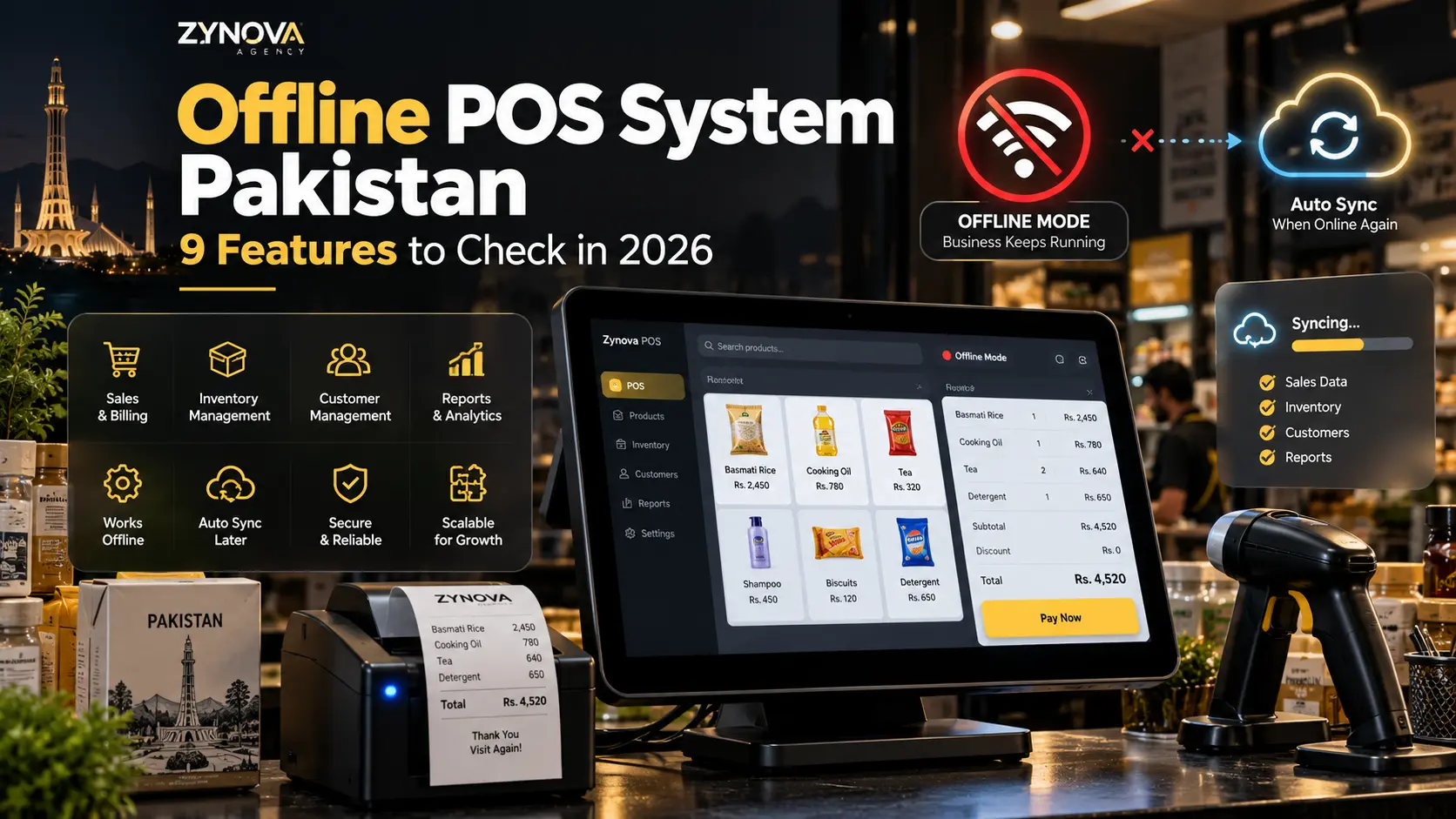
When the internet drops, a checkout counter should not stop. For Pakistani shops, restaurants, pharmacies, and service businesses, that is one of the most practical reasons to choose an offline POS system Pakistan businesses can rely on.
A modern offline-capable POS is not the same as an old computer program that never connects to the cloud. The better model is offline-first with cloud sync: billing continues locally during an outage, receipts still print, stock movements are saved on the device, and approved data syncs back to the cloud when the connection returns.
This guide explains how offline POS works, what should continue during an outage, what usually cannot work without internet, and nine features to check before you choose a system in 2026.
What Does an Offline POS System Actually Mean?
An offline POS system Pakistan business owners should consider is a point-of-sale setup that can complete essential counter operations without a live internet connection.
At minimum, offline mode should let a cashier:
- open the POS screen,
- search or scan products,
- create a sale,
- calculate totals and discounts within allowed limits,
- record cash or supported offline payment types,
- print a receipt or gate pass,
- save the transaction locally, and
- queue the transaction for later synchronization.
The key word is essential. Some cloud-dependent functions may pause until connectivity returns, but the customer standing at the counter should still be able to complete a normal sale.
If you are comparing cloud systems generally, our guide to a cloud POS system for small business explains the broader features that matter beyond offline mode.
How Offline-First POS Works Step by Step
The architecture is easier to understand when you separate local operations from cloud operations.
Step 1: Important Data Is Available Locally
Products, prices, categories, customer information required for checkout, user permissions, and other essential records are stored or cached securely on the local device.
This allows the POS to keep working even if the internet connection disappears.
Step 2: The Cashier Creates Sales Normally
When the internet is down, the cashier should not need to switch to paper. The sale is saved locally with a transaction identifier, timestamp, cashier information, items, quantities, prices, discounts, and payment details.
Step 3: Offline Transactions Enter a Sync Queue
Instead of sending the transaction immediately to the cloud, the system places it in a queue.
A reliable offline POS system Pakistan businesses use should make the queue visible enough for the system to know which records are pending and which have already synchronized.
Step 4: The Connection Returns
Once the device is online again, the sync process sends pending changes to the server. The cloud database can then update reports, owner dashboards, branch data, backups, and other connected systems.
Step 5: Conflicts Are Resolved Safely
This is where simple “offline mode” claims can become complicated. What happens if the same product or customer record changed in two places while one branch was offline?
A well-designed system needs clear conflict rules rather than blindly overwriting newer data.
9 Features to Check in an Offline POS System Pakistan Businesses Use
1. Sales Must Continue Without Internet
This is the basic test. Turn off the internet before buying or deploying the system and complete a real sample sale.
Check product search, barcode scanning, quantity changes, discounts, payment recording, receipt printing, and order completion.
If the software only opens but cannot finish the bill, it is not useful offline mode.
2. Receipt and Thermal Printing Should Still Work
For many businesses, a completed sale is not enough. The customer needs a receipt, while a warehouse, restaurant, or flour mill may also need a gate pass, kitchen ticket, or another printout.
Local printer support should not depend on the cloud for every print request.
3. Inventory Must Be Updated Locally
Imagine selling ten units during an outage while the local screen still shows the old stock quantity. That creates confusion before sync even begins.
The offline device should track its own sales and reduce locally available stock so the cashier is working with the best information available on that device.
Once the connection returns, those movements can synchronize with central inventory.
4. Sync Should Resume Automatically
Staff should not have to export files or press a complicated sequence of buttons after every outage.
A good offline POS system Pakistan implementation detects connectivity, retries failed records, and syncs pending transactions automatically.
The system should also avoid sending the same transaction twice.
5. Pending Sync Status Should Be Visible
Automatic sync is good, but invisible sync is harder to troubleshoot.
Managers should be able to see whether records are:
- synced,
- waiting,
- retrying, or
- failed and requiring attention.
This becomes especially important for businesses with multiple branches or devices.
6. User Permissions Must Still Apply Offline
Offline mode should not become a security bypass.
If a cashier is not allowed to change prices, delete completed sales, create large discounts, or view sensitive reports while online, those restrictions should not suddenly disappear because the connection is down.
Role-based controls are one of the foundations of dependable POS software.
7. The System Needs a Clear Conflict Strategy
Consider a two-branch business. Branch A goes offline and sells the final pieces of an item while Branch B is still online and transfers stock.
There may be no perfect real-time answer while the branch is disconnected. The important question is whether the software can reconcile changes predictably when connectivity returns.
Systems should preserve transaction history and make unusual conflicts reviewable instead of silently deleting data.
8. Backups Should Be Separate From Sync
Synchronization and backup are not the same thing.
Sync keeps multiple systems up to date. A backup helps recover from accidental deletion, corruption, device failure, or another serious problem.
An offline POS system Pakistan business owners trust should have a clear backup and restore plan in addition to synchronization.
9. Compliance Workflows Must Be Defined
Businesses subject to Pakistan’s tax and electronic invoicing requirements need to understand what their POS must do during and after connectivity problems.
The Federal Board of Revenue maintains current POS legal provisions and separate digital invoicing guidance. Requirements depend on the business and its registration status, so buyers should verify their obligations with current FBR material or a qualified tax professional.
Do not accept a vague “FBR ready” statement without understanding which integration applies, who provides it, and how offline invoices are handled.
What Usually Still Needs Internet?
Offline-first does not mean every feature can work with zero connectivity.
Functions that may require internet include:
| Feature | What May Happen Offline |
|---|---|
| Remote owner dashboard | May show the most recently synced data |
| Cross-branch live stock | May be temporarily outdated |
| Cloud-only card authorization | May not complete |
| Online customer notifications | May queue until the connection returns |
| Tax/e-invoice submission | Depends on applicable integration and rules |
| Remote backups | Resume when connectivity returns |
The correct question is not “Does everything work offline?” It is “Do the business-critical counter operations work safely until the network comes back?”
Offline POS vs Cloud-Only POS
A pure cloud-only system can be simple to manage because the server is the single source of truth. However, it can become a problem if every sale requires a live server request.
An offline-first system adds local complexity, but it can protect checkout continuity.
| Area | Cloud-Only POS | Offline-First POS |
|---|---|---|
| Billing during outage | May stop or become limited | Core sales continue locally |
| Local data | Minimal | Essential records available on device |
| Sync complexity | Lower | Higher |
| Remote reporting | Normally immediate | Offline branch data appears after sync |
| Best fit | Stable-connectivity environments | Businesses where checkout cannot stop |
How to Test Offline POS Before You Buy
Marketing pages can say “offline supported,” but a real test is more useful.
Use this simple test:
- Load realistic products and customers.
- Disconnect both Wi-Fi and wired internet.
- Create several cash sales.
- Apply an allowed discount.
- Process a return or correction if the system supports it offline.
- Print receipts.
- Close and reopen the application.
- Confirm the offline sales are still present.
- Reconnect the internet.
- Confirm every queued transaction syncs once.
- Check inventory and reports from another device.
This test tells you far more than a feature checkbox.
Why Offline Mode Matters for Different Industries
The value of an offline POS system Pakistan businesses choose changes by industry.
- Retail and grocery: queues cannot wait for the internet to return.
- Restaurants: order entry, billing, and kitchen operations may need to continue during service.
- Pharmacies: fast product lookup and billing remain important even during an outage.
- Hotels: local operations may need access to current guest and billing information.
- Workshops: parts, job charges, and invoices should not disappear because connectivity is unstable.
Our guide to industry-specific POS software explains why each business type needs more than the same generic checkout screen.
Common Offline POS Mistakes
Calling a Cached Screen “Offline Mode”
If the app opens offline but cannot create a sale, it is not solving the real business problem.
Ignoring Multi-Device Conflicts
The more devices and branches a business has, the more important synchronization rules become.
Giving Offline Users Extra Authority
Permissions should remain consistent whether the device is connected or not.
Assuming Sync Is a Backup
A synchronized mistake can spread quickly. Keep proper backups separately.
A Practical Buying Checklist
Before selecting an offline POS system Pakistan businesses can depend on, ask the vendor to demonstrate:
- complete billing with no internet,
- receipt printing while offline,
- local stock updates,
- automatic sync after reconnect,
- duplicate prevention,
- sync status and error handling,
- offline user permissions,
- backup and restore,
- multi-device conflict handling, and
- the exact compliance workflow that applies to your business.
Where Zynova POS Fits Into This Direction
Zynova Agency is developing Zynova POS as a business management platform with industry-aware workflows and cloud access. Offline continuity is one of the practical areas being considered for eligible plans, alongside role-based access, inventory, reporting, and multi-device operations.
Because the product has not launched yet, final availability and plan details should be judged from the official launch information rather than assumptions made before release.
Final Thoughts
The best offline POS system Pakistan businesses can choose is not simply software that “works without Wi-Fi.” It should preserve sales safely, keep local inventory usable, respect permissions, print necessary documents, and synchronize cleanly when the network returns.
For a business where every minute at the counter matters, offline-first design can be the difference between a temporary internet problem and a complete sales interruption.
Frequently Asked Questions
Can a POS system work without internet?
Yes. An offline-capable POS can store essential data locally and complete core sales without a live connection. Cloud-dependent functions then resume when internet access returns.
Does offline POS sync automatically?
Well-designed systems can queue offline transactions and synchronize them automatically after reconnecting. Buyers should test duplicate prevention and failed-sync handling before deployment.
Can inventory work while the POS is offline?
Local inventory can be updated from sales on that device, but live stock across other branches may not be fully current until the systems reconnect and synchronize.
Is offline POS better than cloud POS?
They are not opposites. Many modern systems combine local offline continuity with cloud reporting, backups, and remote access.
Does an offline POS still need backups?
Yes. Synchronization keeps systems updated, while backups provide recovery options after accidental deletion, corruption, or device failure.