
Industry-Specific POS Software in 2026: Why One POS Does Not Fit Every Business
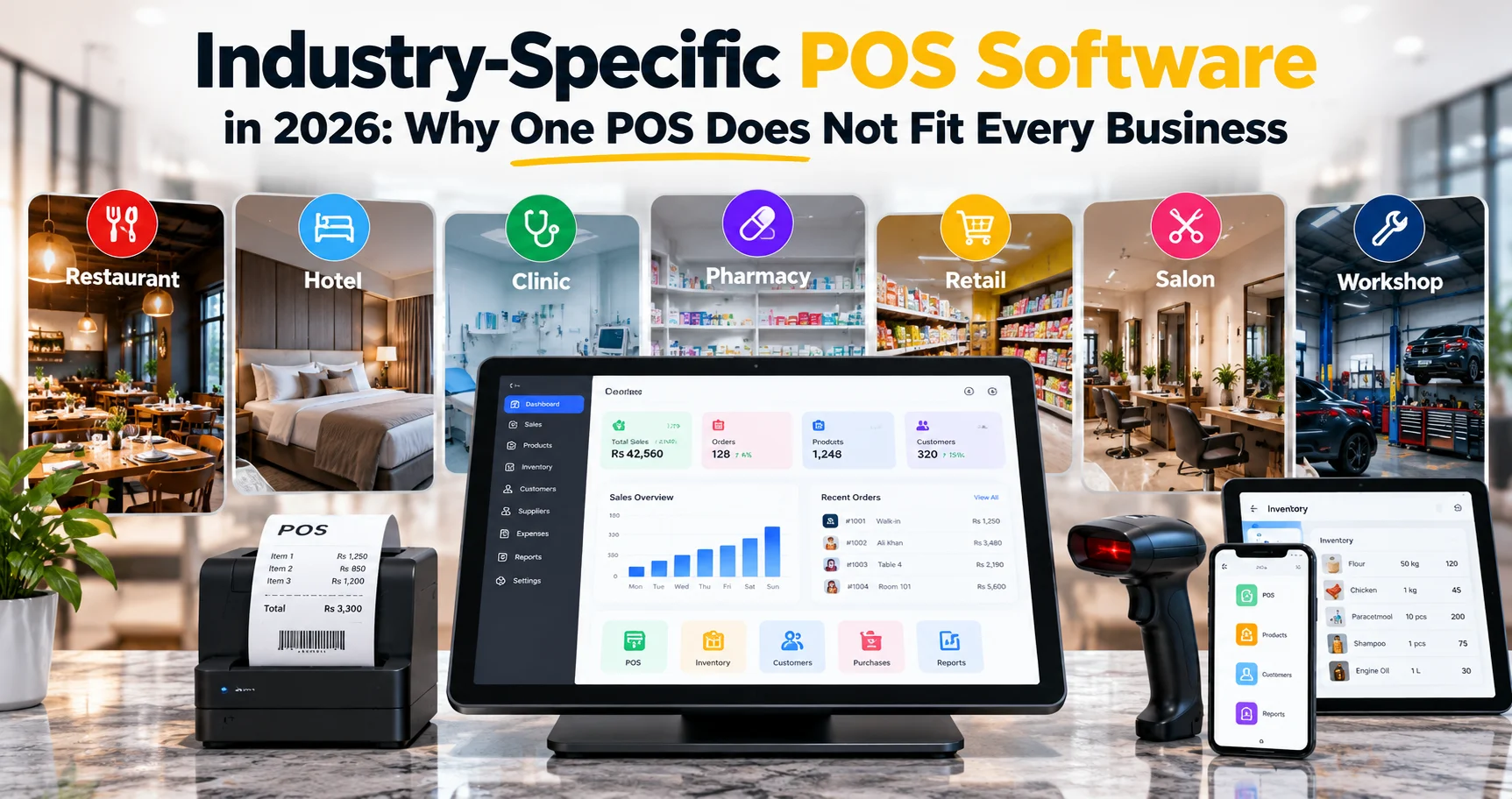
A point-of-sale system may look similar at the checkout screen, but the business behind that screen can be completely different. A restaurant manages tables and kitchen orders. A hotel manages rooms and guests. A clinic works with patients and appointments. A workshop tracks jobs, parts, and service history.
That is why Industry-Specific POS Software matters in 2026. The best POS is not simply a billing screen with a different logo. It should reflect how the business actually operates from the first transaction to the final report.
This guide explains why one generic POS does not fit every industry, what different business types really need, and when a custom or adaptable POS system makes more sense than a one-size-fits-all solution.
Quick Answer
Industry-Specific POS Software is designed around the real workflow of a particular business type. Instead of forcing a restaurant, hotel, clinic, pharmacy, salon, workshop, and retail shop into the same interface, the system changes its modules, terminology, reports, and daily processes according to the industry.
What Is Industry-Specific POS Software?
Industry-Specific POS Software is a point-of-sale system that adapts to the operational needs of a particular type of business.
A generic POS usually focuses on a common core:
- Products
- Categories
- Sales
- Customers
- Payments
- Receipts
- Inventory
- Basic reports
Those features are useful, but they are not enough for every business.
A restaurant may need tables, kitchen tickets, modifiers, dine-in, takeaway, and delivery. A hotel may need rooms, guest allocation, check-in, check-out, and occupancy reporting. A workshop may need job cards, vehicle details, labor charges, parts usage, and service history.
The difference is not cosmetic. The workflow itself changes.
Why Generic POS Systems Become Limiting
A generic system often works well at the beginning because every business needs sales, products, customers, and reports.
The limitations usually appear later.
For example, a hotel may try to represent rooms as products. A workshop may try to represent repair jobs as sales orders. A clinic may store patients as normal retail customers. A restaurant may create products for table numbers or use notes to explain kitchen instructions.
These workarounds create unnecessary complexity.
When staff need to remember how to “translate” their real workflow into a generic system, the POS becomes harder to use and easier to misuse.
Good Industry-Specific POS Software removes that translation layer and gives staff the concepts they already understand.
Same Checkout, Different Operations
Most businesses eventually take payment, but what happens before payment is very different.
| Business Type | What Happens Before Payment | What the POS Should Understand |
|---|---|---|
| Restaurant | Order taken, table assigned, food prepared | Tables, kitchen flow, order types, modifiers |
| Hotel | Room booked, guest checked in, services added | Rooms, guests, stays, occupancy |
| Clinic | Patient registered, appointment completed, service billed | Patients, appointments, services, invoices |
| Workshop | Job opened, parts used, labor recorded | Job cards, service history, parts, labor |
This is the core reason one interface should not be forced onto every industry.
Industry-Specific POS Software for Restaurants
A restaurant POS needs to understand service flow, not just product sales.
Useful restaurant features include:
- Table layout and table status
- Dine-in, takeaway, and delivery orders
- Kitchen order tickets
- Course or preparation status
- Menu categories and modifiers
- Split bills
- Multiple payment methods
- Waiter or staff assignment
- Order transfer between tables
- Returns and voids with manager approval
A restaurant also needs fast interaction. Staff should not open five screens to change a topping or move an order to another table.
The best Industry-Specific POS Software for restaurants makes the service process visible from order creation to kitchen completion to final payment.
Industry-Specific POS Software for Hotels
A hotel workflow is based around rooms and stays rather than simple product checkout.
A hotel POS or hotel business system should support:
- Room setup and room categories
- Room availability
- Guest records
- Room allocation
- Check-in and check-out
- Additional room charges
- Housekeeping or room status
- Reservations
- Advance payments
- Pending balances
- Occupancy and revenue reports
Representing a hotel room as a normal retail product does not capture whether the room is occupied, reserved, being cleaned, or available.
This is exactly where an industry-aware system becomes more valuable than a generic billing application.
POS Software for Clinics and Healthcare Businesses
A clinic or healthcare-related business needs a patient-centered workflow.
Depending on the scope of the system, useful modules may include:
- Patient registration
- Appointments
- Service or consultation billing
- Doctor or department assignment
- Patient invoice history
- Pending balances
- Basic service records
- Role-based staff access
The key idea is that a patient is not simply a retail customer.
Healthcare systems can also involve sensitive personal information, so access control and data handling become especially important. If the system stores regulated health information, the business must evaluate the privacy and legal requirements that apply in its country and industry.
Industry-Specific POS Software for Pharmacies
Pharmacies combine normal retail operations with inventory requirements that may be more detailed than a standard shop.
Depending on local regulations and business needs, pharmacy-oriented software may need:
- Medicine categories
- Batch tracking
- Expiry dates
- Supplier purchase records
- Low-stock alerts
- Near-expiry alerts
- Returns
- Customer history
- Purchase cost and selling price tracking
If the POS cannot distinguish batches or expiry dates where those details matter, staff may need to maintain separate records outside the system.
That defeats one of the main reasons to use a POS in the first place.
POS Software for Retail and Grocery Stores
Retail and grocery businesses usually need the strongest combination of checkout speed and inventory control.
Important features can include:
- Barcode scanning
- Fast product search
- Variants
- Stock levels
- Purchases and suppliers
- Returns
- Customer balances
- Discounts
- Low-stock alerts
- Multiple branches
- Daily cashier closing
- Profit and sales reports
For grocery businesses, unit handling may also matter. A product may be sold by piece, pack, carton, kilogram, or another unit.
Strong Industry-Specific POS Software should reflect those real selling units rather than forcing staff to calculate conversions manually.
POS Software for Salons and Service Businesses
A salon, spa, consultancy, or service business may sell products, but the main workflow usually revolves around appointments and services.
Useful features can include:
- Appointment booking
- Staff scheduling
- Service duration
- Service pricing
- Customer history
- Staff commission
- Product sales
- Package or membership tracking
- Reminders
A normal retail POS can process the payment, but it may not help manage the actual service workflow that happens before the payment.
Industry-Specific POS Software for Workshops and Repair Businesses
A workshop needs to track work in progress.
Useful workshop features include:
- Job cards
- Customer details
- Vehicle, device, or equipment information
- Problem description
- Parts used
- Labor charges
- Assigned technician
- Job status
- Quotation approval
- Service history
- Final invoice
The sale is only the last step. The system needs to understand the job from intake to completion.
Without that workflow, staff often end up using paper job cards, WhatsApp messages, spreadsheets, and the POS separately.
Generic POS vs Industry-Specific POS
| Area | Generic POS | Industry-Specific POS |
|---|---|---|
| Setup | Same base modules for every business | Modules match the selected industry |
| Terminology | Products, sales, customers | Rooms, tables, patients, jobs, appointments where appropriate |
| Workflow | Checkout-centered | Operations-centered |
| Training | Staff may need workarounds | Closer to the workflow staff already know |
| Reporting | Mostly sales and inventory reports | Industry-specific operational reports |
| Growth | May require external tools as complexity increases | Can grow around the business model |
What Should Stay Common Across Every POS?
Industry-specific does not mean rebuilding everything from zero.
Every reliable POS still needs a strong common foundation.
That foundation should normally include:
- User accounts and permissions
- Secure login
- Sales and payment records
- Customers or clients
- Products or services
- Purchases and suppliers where relevant
- Expenses
- Returns or reversals
- Reports
- Backups
- Audit history
- Multi-device synchronization
Then the industry layer changes the modules that sit on top of that common core.
This approach gives businesses consistency without forcing every industry into exactly the same workflow.
How Business Type Should Change the Dashboard
A useful Industry-Specific POS Software platform should change more than menu labels.
The dashboard itself should prioritize the numbers that matter to that business.
For example:
- Restaurant: open tables, active orders, kitchen status, today’s sales
- Hotel: occupied rooms, available rooms, check-ins, check-outs, revenue
- Clinic: today’s appointments, waiting patients, invoices, pending balances
- Retail: sales, low stock, top products, returns, cashier totals
- Workshop: open jobs, completed jobs, pending quotations, parts usage
This makes the POS feel like operating software for the business rather than a generic cash register.
Industry-Specific Reports Matter Too
A restaurant owner does not only need “sales by date.”
They may want sales by order type, waiter performance, popular menu items, table turnover, or cancelled orders.
A hotel may care about occupancy, room revenue, check-ins, check-outs, outstanding guest balances, and room status.
A workshop may want technician productivity, jobs completed, parts used, pending jobs, and service revenue.
Reports are one of the clearest signs that a system truly understands an industry.
When Custom POS Software Makes More Sense
Not every business needs custom development.
If an existing POS supports your workflow well, it is usually faster and less expensive to use it.
Custom software becomes more reasonable when:
- Standard systems force too many workarounds
- Your workflow is unique to your industry or company
- You need special approvals or user roles
- You need custom reports
- You need offline operation with specific sync rules
- You need integration with internal software
- You operate several business types or branches
- You want the software to grow with your process
Zynova Agency’s Custom Software Development services are designed for businesses that need software built around their own workflows rather than forcing operations into generic software.
If the goal is to build a subscription-based platform that serves many businesses from one cloud system, our SaaS Development services cover multi-user, multi-tenant, subscription-based applications.
Payment Security Still Applies to Every Industry
No matter how specialized the workflow becomes, payment security remains a common requirement.
The PCI Security Standards Council explains that merchants involved in payment card processing have PCI DSS responsibilities regardless of business size or transaction volume.
Businesses should use secure payment integrations, restrict sensitive access, maintain user accountability, and avoid storing sensitive cardholder data unnecessarily.
Checklist: Does Your POS Fit Your Business?
Ask these questions:
- Does the system use the terminology my staff already understands?
- Does it support the full workflow before and after payment?
- Can user roles be restricted properly?
- Does it produce reports relevant to my industry?
- Can it handle returns, corrections, and exceptions?
- Does it support the number of branches and devices I need?
- Can it work during internet interruptions if that matters to my business?
- Can I add or remove products, categories, records, and operational items cleanly?
- Can data be backed up and restored?
- Will the system still fit if the business grows?
If several answers are “no,” the problem may not be staff training. The software itself may not match the business.
Industry-Specific POS Software: Final Thoughts
Industry-Specific POS Software is not about adding more features for the sake of complexity.
It is about showing the right features to the right business.
A restaurant should see tables and kitchen orders. A hotel should see rooms and guests. A clinic should see patients and appointments. A workshop should see jobs and service history. A retail shop should see products, stock, customers, and fast checkout.
The common POS foundation can remain consistent, but the workflow should adapt to the industry.
That is the difference between software that merely records transactions and software that actually supports business operations.
Frequently Asked Questions
What is industry-specific POS software?
Industry-Specific POS Software is a point-of-sale system designed around the workflow, terminology, modules, and reporting needs of a particular type of business.
Why is a generic POS not enough for every business?
Generic POS systems handle basic sales well, but industries such as restaurants, hotels, clinics, workshops, salons, and pharmacies often need workflows that happen before and after checkout.
What should restaurant POS software include?
A restaurant POS commonly needs tables, kitchen tickets, dine-in and takeaway orders, menu modifiers, split bills, waiter assignment, and restaurant-specific reports.
What should hotel POS software include?
A hotel-focused system should normally support rooms, room status, guest records, reservations, check-in, check-out, additional charges, balances, and occupancy reporting.
Can one POS platform support multiple industries?
Yes, if the platform is designed to enable different modules and workflows according to the selected business type rather than showing the same generic system to everyone.
When should a business consider custom POS software?
Custom POS software makes sense when standard systems require too many workarounds, when workflows are unique, or when the business needs custom integrations, reporting, permissions, offline behavior, or multi-branch logic.
Is industry-specific POS software more difficult to use?
Not necessarily. It can be easier because the interface uses concepts staff already understand instead of forcing them to adapt their real workflow to generic software terms.
Should POS software include role-based access?
Yes. Owners, managers, cashiers, technicians, reception staff, and other users may need different permissions depending on the business and their responsibilities.