
Custom Software Requirements Checklist: 10 Steps Before Development (2026)
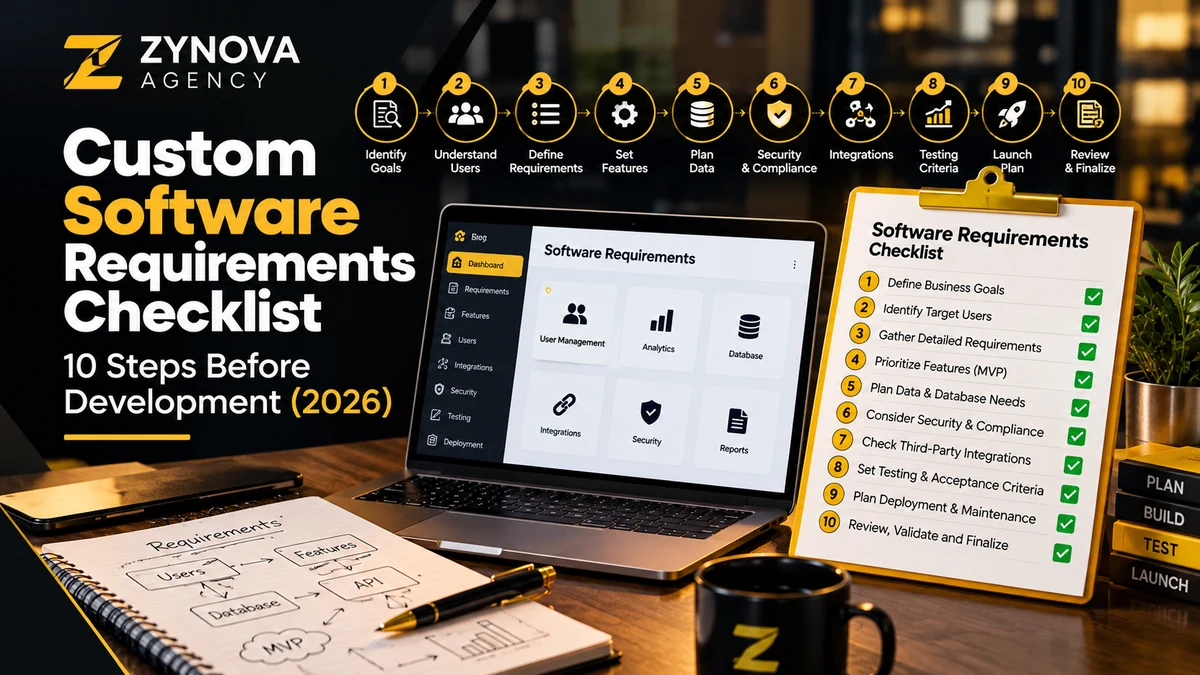
A software project can look successful in a demonstration and still disappoint the people who use it daily. The login screen works, the dashboard looks polished, but purchase approvals require spreadsheets, reports disagree, and nobody knows what happens during a network outage. The problem often begins before coding: the team did not document its requirements clearly enough.
This custom software requirements checklist provides ten practical steps for small and growing businesses planning a POS, CRM, operations portal, inventory platform, or internal web application in 2026. It focuses on decisions a business owner can verify rather than technical buzzwords.
What are custom software requirements?
Requirements describe what the system must accomplish, under which conditions, and how people can confirm that it works. A functional requirement describes behavior, such as “a supervisor can approve a refund.” A nonfunctional requirement defines qualities such as performance, access control, reliability, accessibility, or data recovery. Constraints describe limits, including deadlines, budget ceilings, or compatibility with existing equipment.
Clear requirements make quotations more comparable and help prevent scope disputes. Before choosing between a tailored application and a subscription product, read Custom Software vs SaaS: questions before you invest.
10 steps in a custom software requirements checklist
1. Write the business problem and measurable outcome
Start your custom software requirements checklist with the current pain. For example: “Staff re-enter supplier invoices in two systems, leading to duplicated work and mismatched stock totals.” Then describe the target result: “One approved entry updates purchasing and inventory, and corrections are traceable.” Avoid an initial requirement such as “build a modern AI dashboard” when the operational problem is still undefined.
Choose two or three metrics: average processing time, correction rate, missed-order count, or reconciliation effort. These measures help decide whether the product is solving the right problem.
2. Identify real users and their responsibilities
For your custom software requirements checklist, list each role: owner, cashier, warehouse clerk, waiter, accountant, branch manager, and system administrator as appropriate. Document what each role needs to view, create, approve, edit, and export. Use a responsibility matrix rather than assuming that all employees should have full access.
Permission checks should apply on the server, not only by hiding buttons. The OWASP Top 10 identifies broken access control as a major web application risk. Consider this early, especially when the system stores financial or customer information.
3. Map the current and desired workflows
The custom software requirements checklist should trace one transaction from beginning to end. In a retail POS that might be product selection, discount, payment, inventory deduction, and receipt. A restaurant adds tables and kitchen tickets. A service agency might begin with a lead, then quotation, approval, milestone, invoice, and support handoff.
For every step, specify the actor, required data, next state, and what happens if the action fails. Draw a simple flowchart; an elaborate diagram is optional, but exceptional paths are not.
4. Define scope and priority deliberately
In a custom software requirements checklist, separate features into must-have, should-have, could-have, and later. A minimum viable release should cover a complete, reliable workflow rather than disconnected demos. If the first version handles sales but cannot reverse incorrect transactions, it may not be operationally ready.
Agree how new requests will be assessed for cost, complexity, and schedule impact. Keep a change log so the final delivery reflects approved decisions rather than informal messages.
5. Specify the data model and reporting needs
Use your custom software requirements checklist to identify important records: customers, products, invoices, payments, employees, stock adjustments, or service tickets. Identify unique IDs, required fields, currencies, units, duplicate rules, and data retention. Ask which reports people actually need and how figures must reconcile.
A useful requirement is “daily cash closing must reconcile tender totals with recorded cash movements and show variances,” not simply “provide professional reports.” For a POS example, see POS cash management controls.
6. Inventory existing systems and integrations
For integration planning, your custom software requirements checklist should record accounting software, e-commerce platforms, payment terminals, email services, barcode devices, printers, and any external APIs. For each integration, define data direction, update frequency, failure response, and ownership. Confirm that the other system offers the required interface and that use complies with its terms.
When two applications can change the same customer or inventory record, decide which is authoritative and how conflicts are resolved. An “integration included” line in a proposal is too vague without these details.
7. Plan security, privacy, and audit trails
The security section of a custom software requirements checklist should cover authentication, authorization, secure configuration, backups, activity logging, update procedures, and restricted access to exports. Avoid storing secrets in source code and never put full payment credentials in routine logs. Decide who is allowed to reset data, approve critical actions, or change system settings.
The NIST Secure Software Development Framework provides a structured reference for protecting software development and handling risks. Translate relevant guidance into testable controls sized to your project rather than claiming a framework name alone makes a product secure.
8. Define offline operation, performance, and recovery
Your custom software requirements checklist must specify what happens when the internet fails, a branch server restarts, or a printer disconnects. Does a sale queue locally? Will stock quantities remain reliable after synchronization? What should a cashier see when an integration has not confirmed payment? Describe the expected behavior for each event.
Specify realistic performance targets based on your hardware and workflow, plus a recovery point objective and recovery time objective if continuity matters. Test restoration, not just automatic backup creation. See the dedicated backup and recovery checklist.
9. Write acceptance tests before development starts
Use the custom software requirements checklist to turn requirements into testable scenarios. For example: “Given a cashier without refund permission, when they open a paid sale, then the refund action is unavailable and a direct API refund request is denied.” Another scenario could verify an offline order remains unique when the connection returns.
Include normal, error, and edge cases. Require a staging environment with sample records, and run user acceptance testing with the staff who will use the system. Screenshots alone do not establish that calculations, access controls, or integrations work.
10. Agree delivery, ownership, training, and support
Before signing off on the custom software requirements checklist, clarify who owns source code, domains, data, design assets, repository access, and third-party accounts. Document licensing, backups, deployment responsibility, support coverage, bug-fix expectations, and exit arrangements. Ask what happens if the original developer is unavailable later.
A sensible handover package includes setup instructions, architecture notes, administrator guidance, a list of integrations, test evidence, and a recovery procedure. If you are planning a hosted system, the SaaS data migration checklist addresses moving records safely.
Example requirement: from vague request to testable statement
| Vague request | Better requirement |
|---|---|
| “Add attendance.” | Authorized staff can clock in/out; managers can review corrections with timestamps and reasons. |
| “Make reports professional.” | Managers can filter sales by branch, date, and cashier, then export totals that reconcile with payments. |
| “Support offline.” | Sales entered during a network outage remain locally queued, show sync status, and do not duplicate on retry. |
| “Secure the software.” | Role permissions are enforced on every sensitive operation, with tests for denied requests. |
| “Backup the database.” | Scheduled backups are monitored and a sample restore succeeds in the agreed recovery window. |
Which documents should be ready before requesting a quote?
- A one-page business goal and success measures
- A list of user roles and their permissions
- A current-to-future workflow or flowchart
- A prioritized feature list with exclusions
- Sample data fields, reports, receipts, and forms
- Integration list and external dependencies
- Performance, availability, privacy, and recovery expectations
- Acceptance scenarios and delivery milestones
Do not give developers only a screenshot from a competitor. Screenshots reveal presentation, not the business rules underneath.
Budgeting and scope without false precision
Software cost depends on interfaces, workflows, integrations, security requirements, testing, documentation, and long-term support. Instead of assuming every POS or CRM costs the same, request a milestone-based proposal with assumptions and what is excluded. Reserve an appropriate contingency for confirmed changes, and agree how additional work is approved.
A custom build makes sense when your workflow differs materially from off-the-shelf tools or integration requirements justify it. When an established SaaS product already solves the problem economically, configuration and training may be the better investment.
Frequently asked questions
Do small projects need a full requirements document?
They need clear requirements, but the format can be lightweight. A concise scope, roles matrix, workflow diagram, and acceptance checklist often work better than a large document nobody reviews.
Can requirements change during development?
Yes. Record the reason, impact, approval, and updated acceptance criteria. Uncontrolled changes are the problem, not change itself.
Who should approve requirements?
The business owner or accountable product lead should sign off on priorities; operational staff should validate workflows, and technical teams should confirm feasibility and risks.
What is the most overlooked requirement?
Exception handling: refunds, cancellations, broken integrations, access denial, failed backups, and synchronization conflicts. These often determine whether software is trustworthy in real use.
Before signing a development agreement
Confirm the workflow, responsibilities, acceptance conditions, data ownership, and support arrangement in writing. A clear custom software requirements checklist protects both the business and development team by making success observable. Learn more about planning a tailored application through Zynova Agency’s custom software development services.